

In Microsoft 365 and Office 2019, PowerPoint, Excel, and Word let you convert your ink drawings to standard shapes with the tap of a button. You can quickly draw flow charts and diagrams, combining the ease of drawn shapes with the uniformity of Microsoft 365 graphics.
Which app are you using?
Word, Excel
Convert your ink drawings to shapes
- On the Draw tab, select Ink to Shape. (This mode must be turned on before you draw the shape.)
- Draw the shape of your choice. It automatically converts to the equivalent Office graphic shape.
The shape you create is the same color as your ink color choice was. Once the shape is created, you can edit the fill color, transparency, and style by using the Format tab. - To continue inking but stop having your drawings automatically converted to shapes, select Ink to Shape once again.
Ink shapes that can be converted to Office shapes
| Ink drawing | Corresponding shape |
|---|---|
Rectangle
|
Rectangle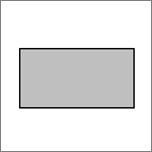
|
Square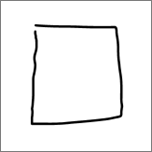
|
Square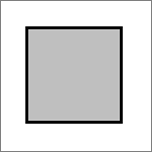
|
Diamond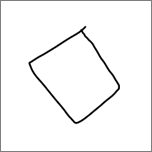
|
Diamond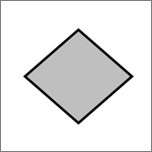
|
Parallelogram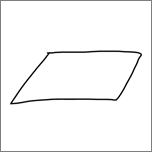
|
Parallelogram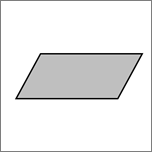
|
Trapezoid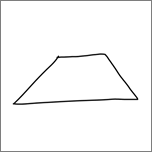
|
Trapezoid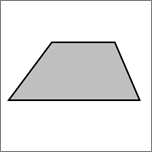
|
Irregular quadrilateral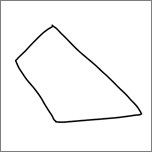
|
Irregular quadrilateral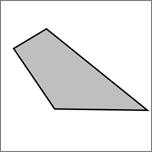
|
Pentagon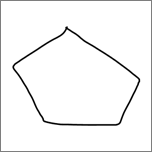
|
Pentagon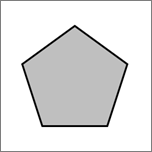
|
Hexagon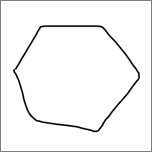
|
Hexagon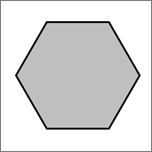
|
Ellipse
|
Ellipse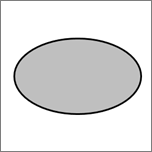
|
Circle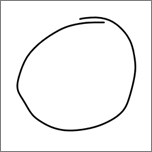
|
Circle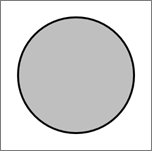
|
Single-headed arrow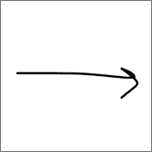
|
Arrow
|
Double-headed arrow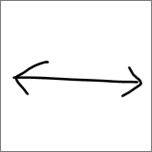
|
Double arrow
|
Connector between two shapes
|
Connector
|
Right triangle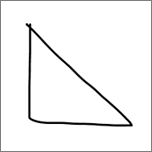
|
Right triangle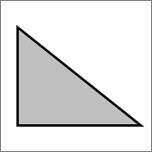
|
Equilateral triangle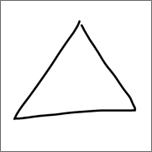
|
Equilateral triangle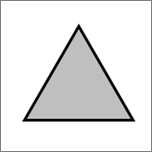
|
Isosceles triangle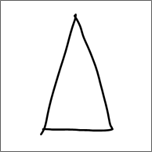
|
Isosceles triangle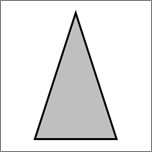
|
Irregular triangle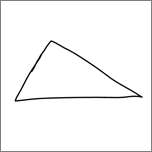
|
Irregular triangle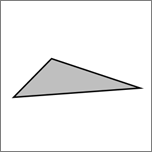
|
Block arrow
|
Block arrow
|
PowerPoint
The feature works differently in PowerPoint. See Convert ink to shapes or text in PowerPoint for Microsoft 365.