Important
Support for Office 2016 and Office 2019 ended on October 14, 2025. Upgrade to Microsoft 365 to work anywhere from any device and continue to receive support.
In Office 2019, you'll find new inking tools, data types, functions, translation and editing tools, motion graphics, ease-of-use features, and so much more! Check out what's available to you today.
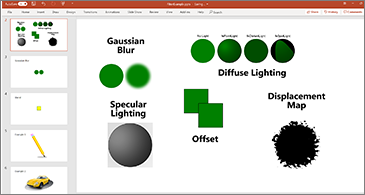
Add visual impact
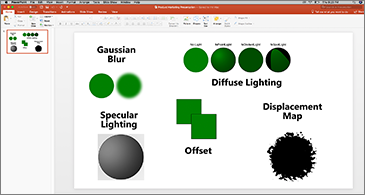
Bring visual interest to your documents, worksheets, and presentations by inserting Scalable Vector Graphics (SVG) that have filters applied to them.
New in:


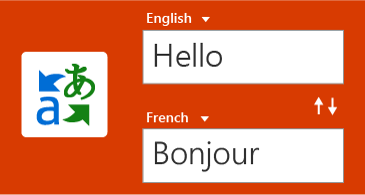
Break the language barrier
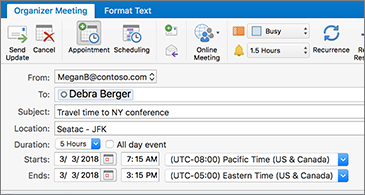
Translate words, phrases, and other text selections to another language with Microsoft Translator.
New in:
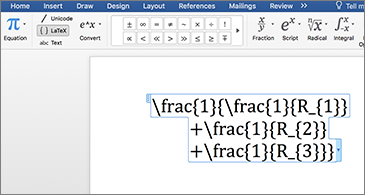
LaTeX equation support
You asked for it! You can now create math equations using LaTeX syntax.
New in:
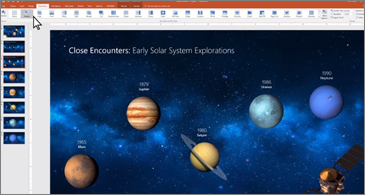
Add motion with Morph
Make smooth animations, transitions, and object movements across your slides with Morph.
New in:
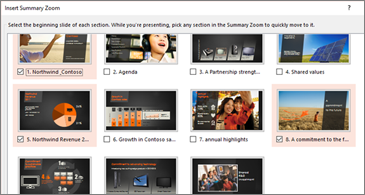
Find what you're looking for with Zoom
Zoom takes you from one slide to another, in any order you like. Skip ahead or revisit slides without interrupting the flow of your presentation.
New in:
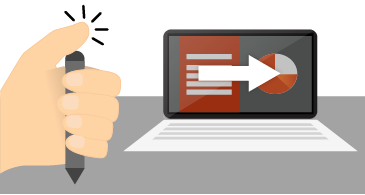
Run a slide show with your digital pen *
Use your Surface pen, or any other pen with a Bluetooth button, to advance your slides.
New in:
* Requires Windows 10 Fall Creators Update
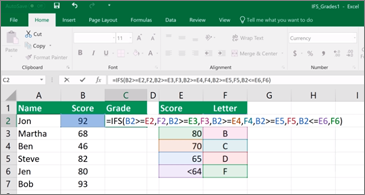
New functions
TEXTJOIN, CONCAT, IFS, and more. Let Excel do the work so you don't have to.
New in:
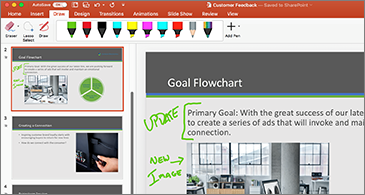
Inking is where it's at
Convert ink to shapes, write out complex math problems, highlight text, and more. Use a finger or a pen. A mouse works too!
New in:

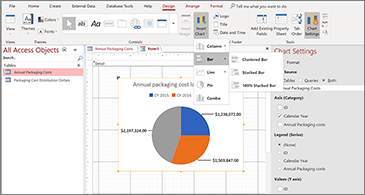
Visualize your data with new charts
Choose from 11 new charts, including line, column, and bar charts. Match fields to chart dimensions and preview your changes instantly.
New in:

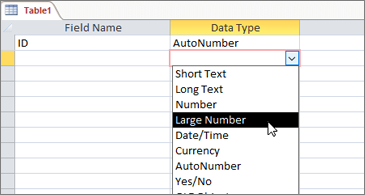
Large Number (bigint) data type
The Large Number data type stores a non-monetary, numeric value and is compatible with the SQL_BIGINT data type in Open Database Connectivity (ODBC). This data type efficiently calculates large numbers.
New in:
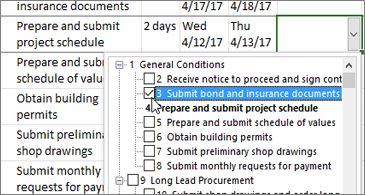
Easily link tasks
Forget about memorizing the ID of the task you want to link to. Instead, select a cell in either the Predecessors or Successors columns to see a list of all the tasks in your project.
New in:

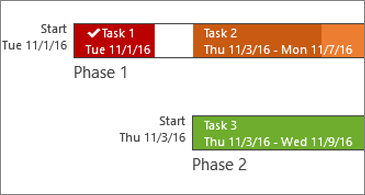
Task progress at a glance
Label your timeline bars with task names and dates to quickly communicate project plans and work in progress.
New in:
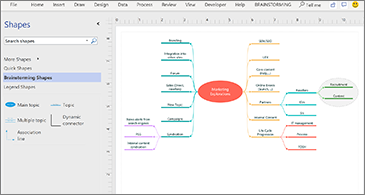
Kick-start your diagrams
The Organization Chart, Brainstorming, and SDL templates have new starter diagrams to get you up and running quickly.
New in:

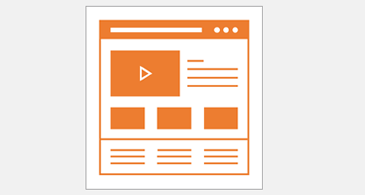
Bring ideas to life
New Website Templates are ideal for creating a low-fidelity design sketch to present ideas before the actual design process begins.
New in:
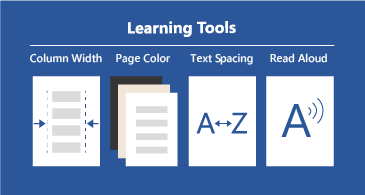
One-click fixes for accessibility issues
The Accessibility Checker is better than ever with updated support for international standards and handy recommendations to make your documents more accessible.
New in:

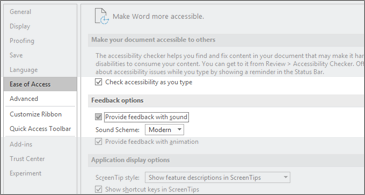
Helpful sounds improve accessibility
Turn on audio cues to guide you as you work. Audio cues are part of sound effects, which you can find in Options > Ease of Access.
New in:
What's new in your favorite app