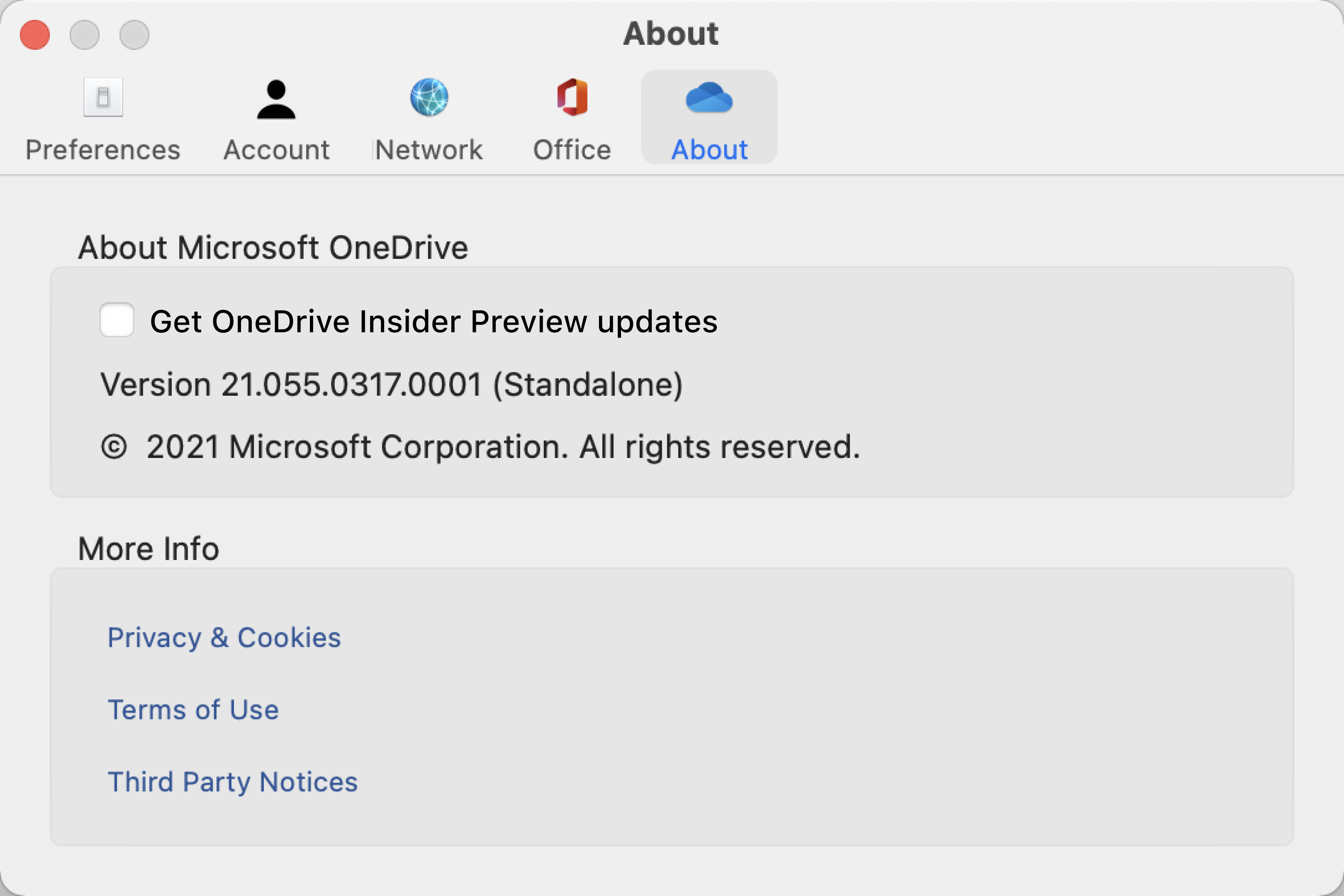
You can look up your OneDrive version—use the steps below for Windows and Mac.
Open OneDrive settings (select the OneDrive cloud icon in your notification area, and then select the OneDrive Help and Settings icon  then Settings.)
Go to the About tab to see the version number.
Tip
Check the box to access to pre-release versions of OneDrive on your computer.
On the menu bar at the top of the screen, select the cloud icon. A blue cloud icon will open OneDrive for work or school, and a white cloud icon will open OneDrive for home.

Select Help & Settings > Preferences.

Select About, and under About Microsoft OneDrive the build number will indicate if the architecture is "Standalone", "Apple silicon", or "Preview".