
Notes can get disorganized, but Copilot in OneNote can help you organize even the most chaotic Notebook section in seconds!
Note
This feature is currently in public preview. Preview features or services are in development, may not be available to all customers, and are made available on a "preview" basis so you can get early access and send us feedback.
Try it
Navigate to the OneNote section that needs to be organized.
Select the Copilot button from the ribbon to open the Copilot pane.

In the chat pane, type Organize this section, then select the Send
 arrow.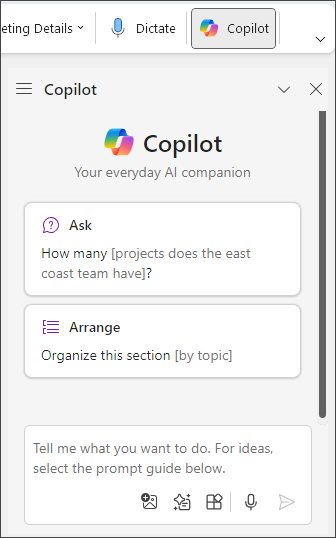
Copilot will group all of your notes in the section into a single, organized preview.If you like what you see, select Apply to make the changes.

For more specific organization, add information to your prompt, such as: Organize this section by date or Organize this section by priority and Copilot will provide a new preview.