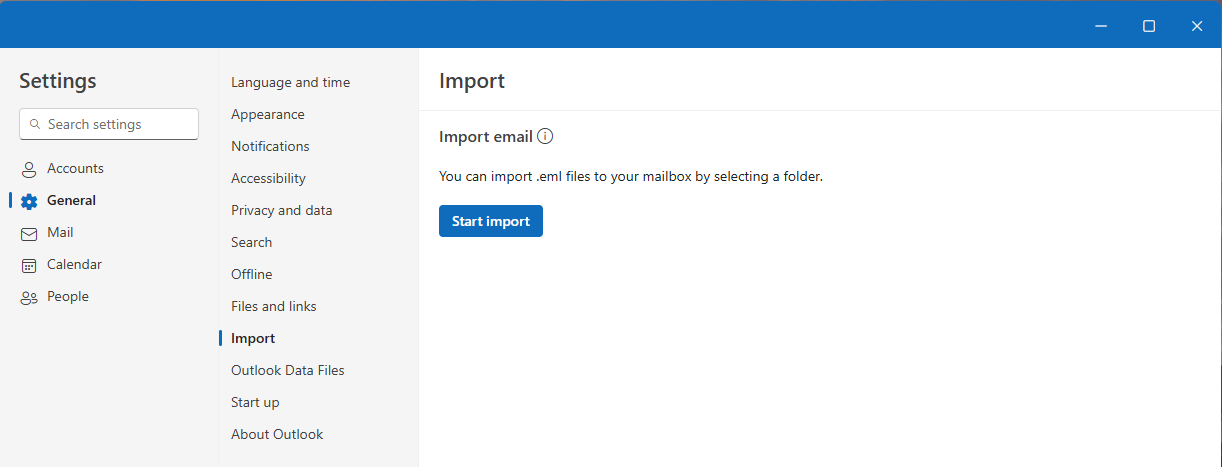
You can bulk import email messages saved with the extension .eml in new Outlook for Windows.
Note
You must have an active Internet connection to import.
Import .eml files in new Outlook
- Go to Settings
 > Files > Import
 - Select Start import
- Select the folder that contains the .eml files
- Select the destination account and folder
- Select Import
Note
- Only top-level .eml files in the selected folder are imported. Files in subfolders are ignored.
- .eml files size limit is 14 MB.