
By default, Outlook displays temperatures using the Fahrenheit scale. To display temperatures using the Celsius scale, follow these steps.
Note
These steps apply to classic Outlook for Windows. In new Outlook for Windows and Outlook on the web, select Settings > Calendar > Weather, and then choose the temperature scale. For more information, see Calendar settings in Outlook on the web.
- Select File > Options > Calendar.
- Under Weather, select Celsius.
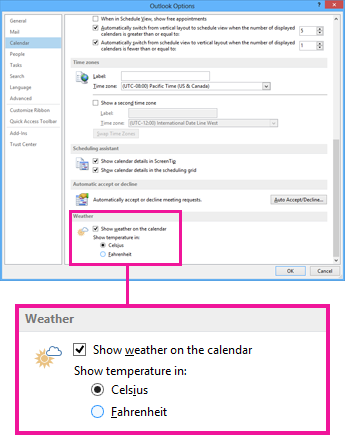
- Select OK. Now Outlook displays temperatures in Celsius.
