
With just a swipe of your finger you can delete an email or flag one for follow-up. All it takes is a multi-touch trackpad or magic mouse.
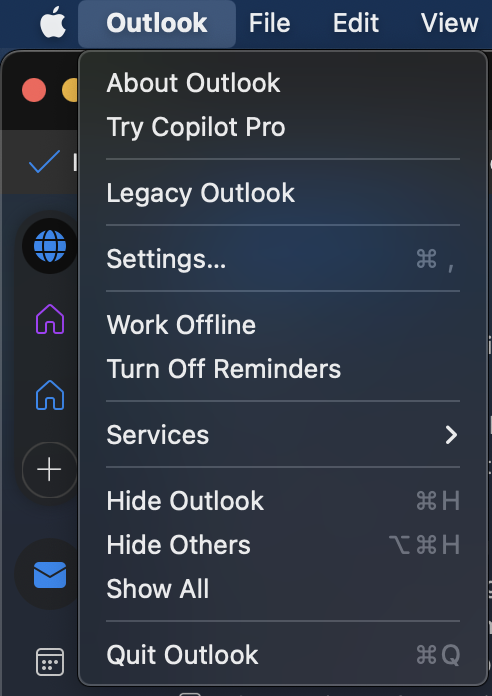
Open Outlook > Settings.
Choose Reading.
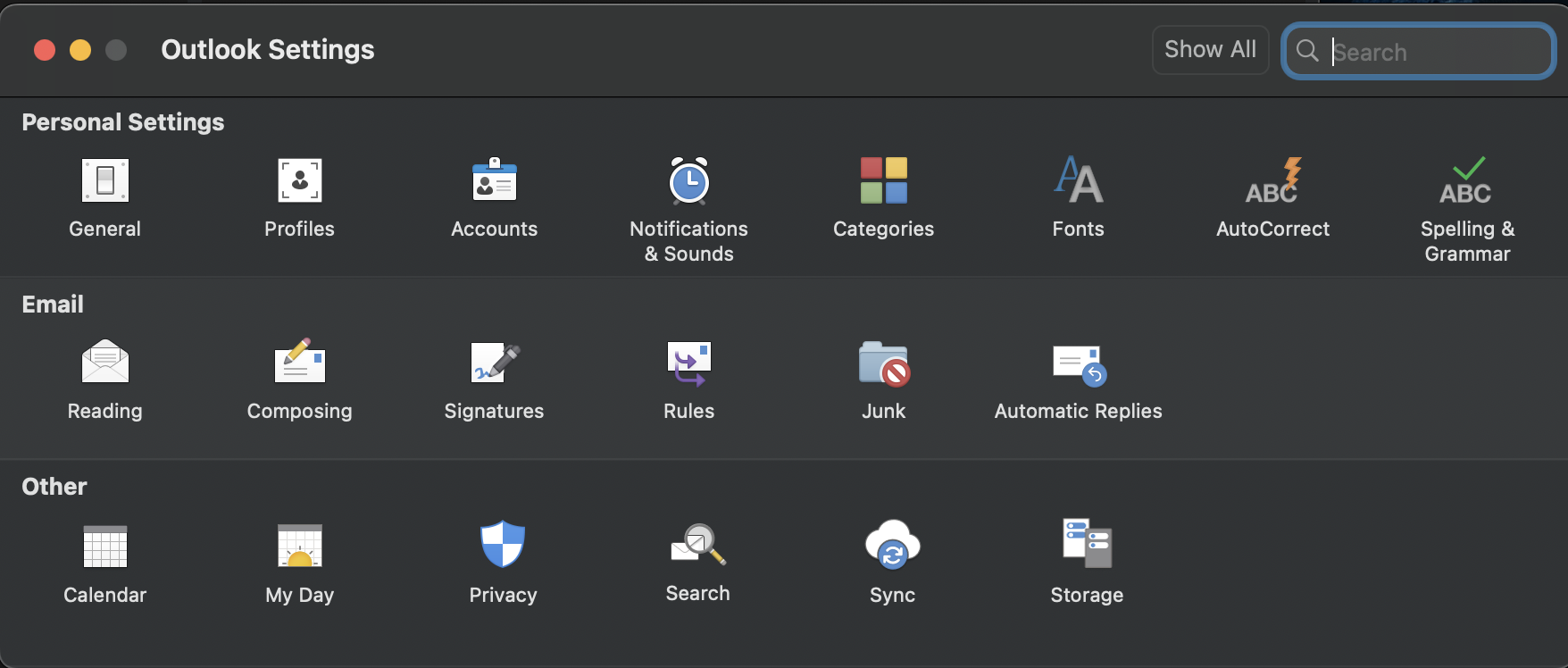
Under Swipe Gestures, set Swipe left and Swipe right for: Delete, Archive, Mark as Read, or Flag.

Turn off swipe gestures
Open Outlook > Settings.
Choose Reading.
In Swipe left on the message list to, select None.

In Swipe right on the message list to, select None.