

Note
These features are only available to individuals using a work or school account with a qualifying Microsoft 365 subscription.
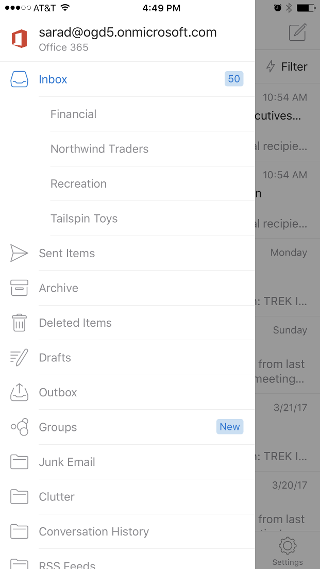
- From the mail view, tap your account picture or initials in the top left corner of the app to open the folder list.
- Tap the icon for the Microsoft 365 email account that has groups enabled to expand a list of folders for that account.
- Tap Groups.
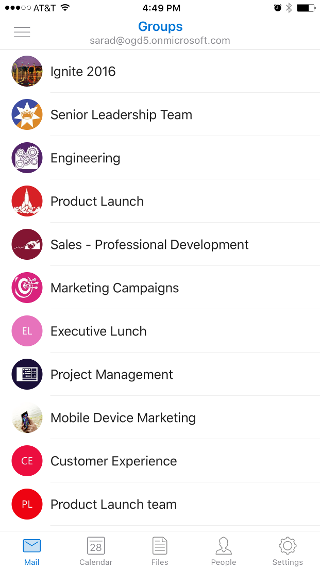
- Choose the group whose mailbox you want to see.
For more information about groups in Outlook mobile, see Use Groups in the Outlook mobile app.