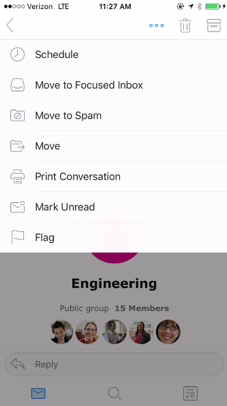
You can do so in one of two ways. The first is through the conversation actions while viewing the message. Hit the More actions button, then Move to Spam.
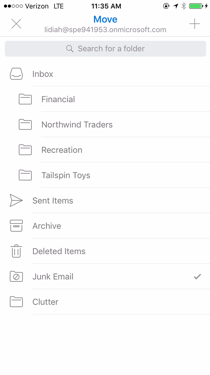
You can also access this through the message list. Select one or more messages that you’d like to move, hit the Move button, then select the Spam folder.