After you have added an Outlook for Android email widget to your home screen, if you delete your accounts from Outlook for Android, you will see this screen: No Accounts found. Tap Add An Account to add an account.
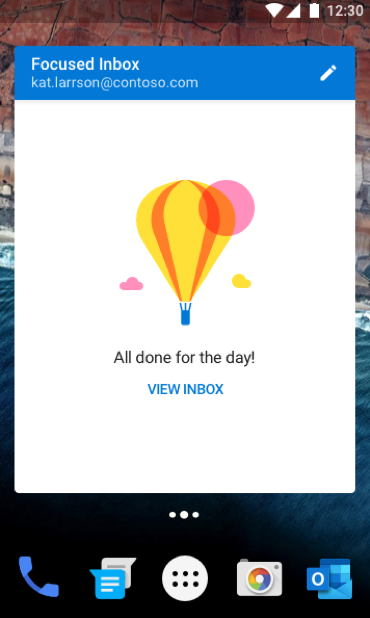
After you have added an Outlook for Android email widget to your home screen, if you don't have any emails in your inbox, you will see this screen. You can tap View Inbox to open Outlook for Android to see emails from other folders if you have any.