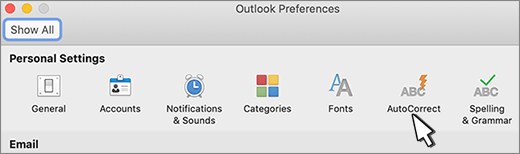
- On the Outlook menu, select Settings... > Spelling & Typing.
- In the right pane of the Spelling & Typing window, under Automatic Corrections and Typing Substitutions, you can turn on or off the Correct Spelling Automatically, Smart Quotes, Smart Dashes, Text Replacement toggles.
Turn AutoCorrect on or off in Outlook for Mac
Applies To
Outlook for Microsoft 365 for Mac Outlook 2021 for Mac Outlook 2019 for Mac