

Microsoft Planner now offers ready-made templates to provide you with a head start for creating a new plan. The templates support a range of possible plan types.
View template options
Begin by considering the available Planner templates:
- On your Planner home page select New Plan in the left-column options.
- View the summary versions of the available templates.
- Select any summary pane to view more details.
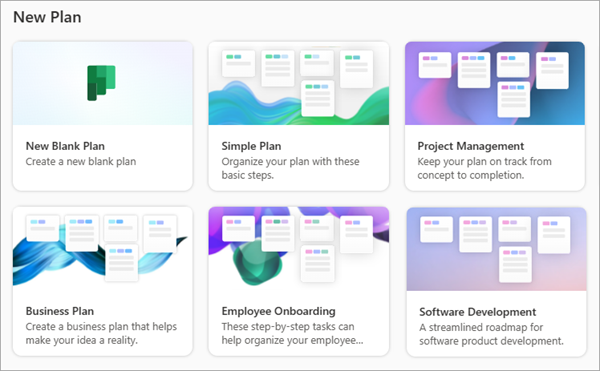
Review template and proceed
In the more complete view, note the specific template's sections and key benefits.
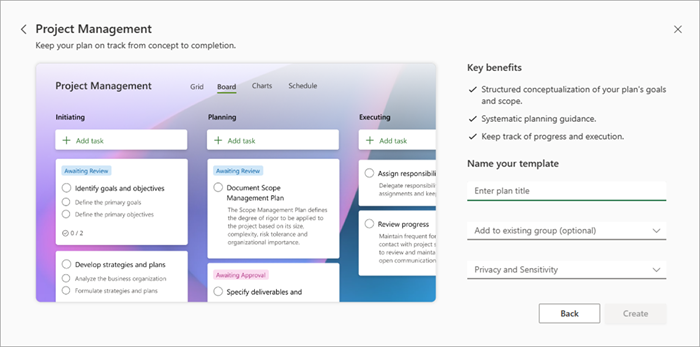
Select Back to view other templates -- or proceed as follows:
Add a title for your new plan.
Optionally, use the drop-down list to Add to an existing group.
Open and respond to Privacy and Sensitivity options.
Select the Create button to proceed into the new plan.