
Once you've created an org chart using a SmartArt graphic, you might want to change the color, style, or layout.
Example: Change the color, add a 3-D effect, and change the layout of the org chart.
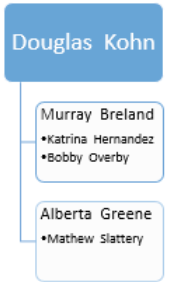

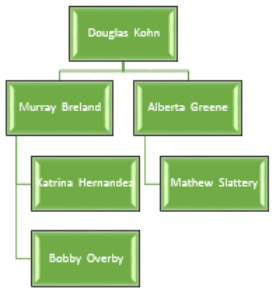
1. Right-click the existing org chart on the slide.
2. Select Style, Color, or Layout.

3. Pick the style, color, or layout you want.
To increase or decrease the size of your org chart, see Resize an org chart.