Important
After October 2026, Microsoft Publisher will no longer be supported. Microsoft 365 subscribers will no longer have access. Learn more about Publisher retirement.
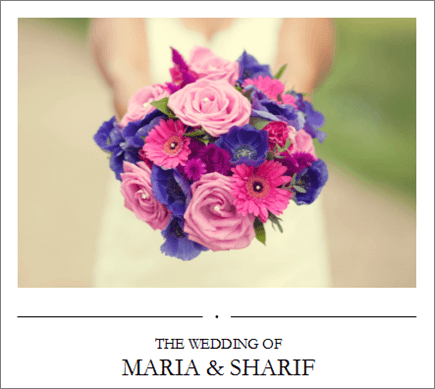
Publisher is a desktop publishing application that helps you create visually rich, professional-looking publications.
With Publisher on your PC, you can:
- Lay out content for a print or online publication in a variety of pre-designed templates.
- Create simple items like greeting cards and labels.
- Create complex projects like yearbooks, catalogs, and professional email newsletters.
Create with a template
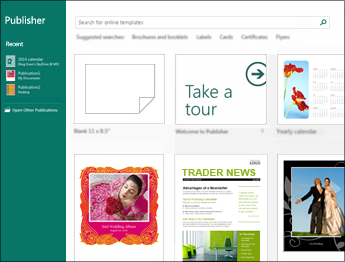
- Open Publisher.
If you're already in Publisher, select File > New. - Select or search for a template:
Select a FEATURED template.
Select BUILT-IN and select a template.
Search for a template using:
Search for online templates
 , or
, orOne of the Suggested searches, or
View more templates online
- Select Create.
Add a text box
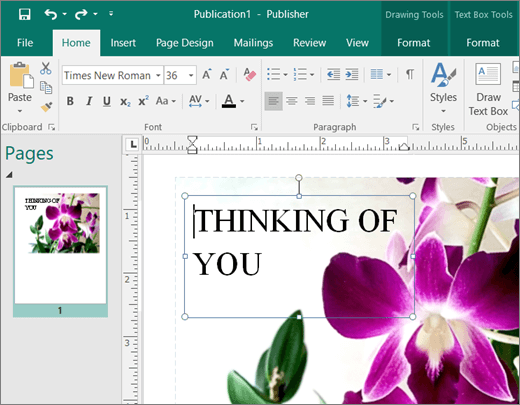
- Select Home > Draw Text Box.
- Drag the cross-shaped cursor to draw a box where you want to add text.
- Type the text in the text box.
If the text doesn't fit in the text box, make the text box bigger, or link it to another text box.
Insert a picture
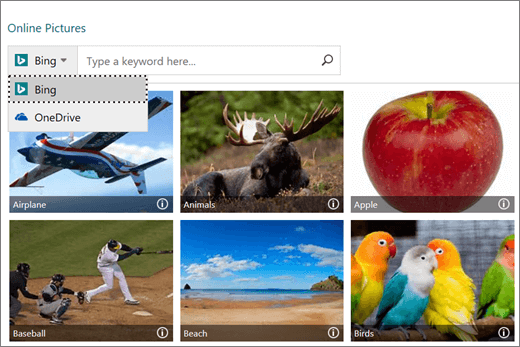
You can insert a picture from your computer, or insert an online picture from OneDrive or the web.
- Select Insert > Pictures or
Insert > Online Pictures. - Find the picture you want and select it.
- Select Insert.