
The best way to create a well-designed two-column publication in Publisher is to start with a template.
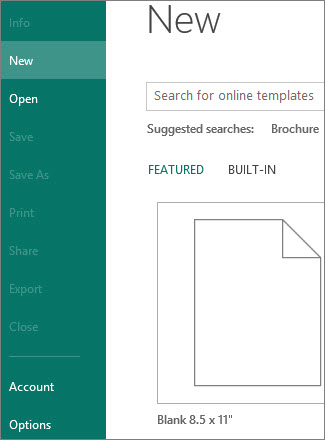
You’ll find Publisher templates on the Start page that appears when you open Publisher. You can also get to the Start page anytime by clicking File > New.
If you still want to make a two-column brochure from scratch, follow these steps.
- Click File > New, and click a blank publication.
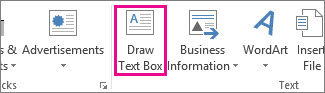
- Click Insert > Draw Text Box, and draw a text box that goes to the margins of the page.
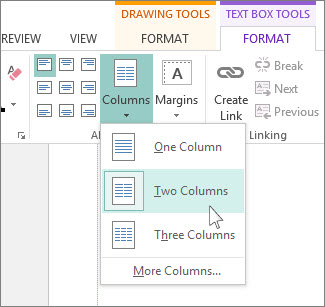
- Make sure the text box is selected and click Text Box Tools Format > Columns > Two Columns.
Type text and insert graphics to complete your two-column publication.