
Watermarks can sometimes be difficult to remove because they’ve been added to the master page of your publication. Edit the master page, and you can delete or change the watermark.
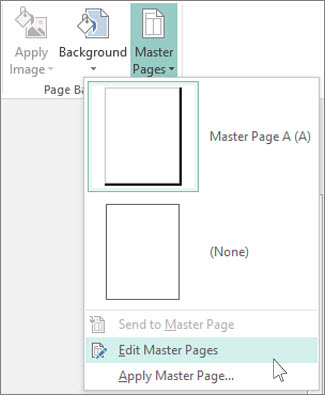
- Click Page Design > Master Pages.
- Click the master page containing the watermark, and then click Edit Master Pages.
- Click the watermark text or image, and press Delete.
Use these steps for each page that contains a watermark you want to remove.