Use the FAQ web part to create and maintain frequently asked questions on a SharePoint page. You can add questions and answers manually or generate them with Copilot in SharePoint.
The FAQ web part is generally available in Worldwide and Government Community Cloud (GCC) environments. The FAQ web part is a non-AI web part. Any user who has permission to edit a SharePoint page can add and configure the web part manually without a Microsoft 365 Copilot license. To generate or edit FAQ content with Copilot in SharePoint, you need a Microsoft 365 Copilot license.
Add a FAQ web part to a SharePoint page
Insert the FAQ web part
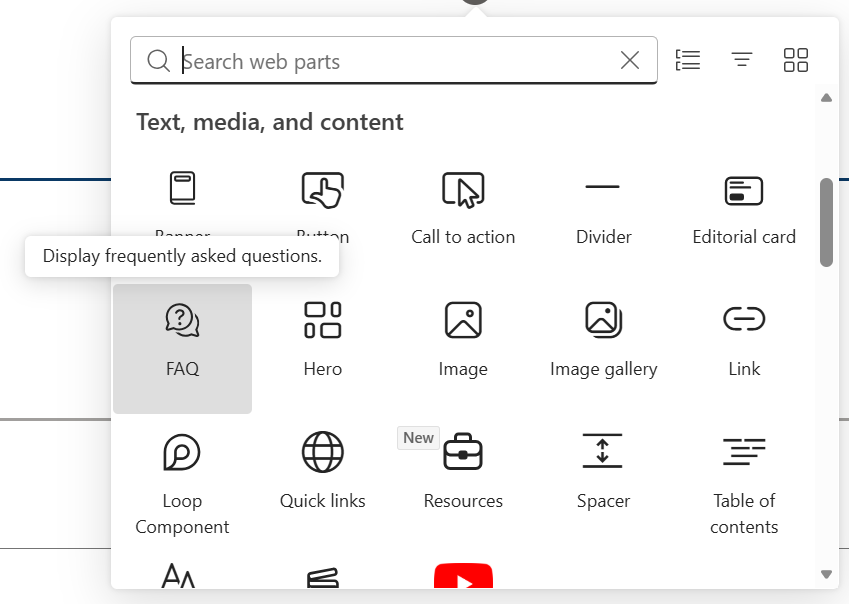
- Open the Toolbox on the canvas or in the Content pane.
- Search for FAQ under Text, media, and content.
- Select the FAQ web part.
Add FAQ content
After you add the FAQ web part, choose one of the following options to add content.
Option 1: Add FAQ content manually
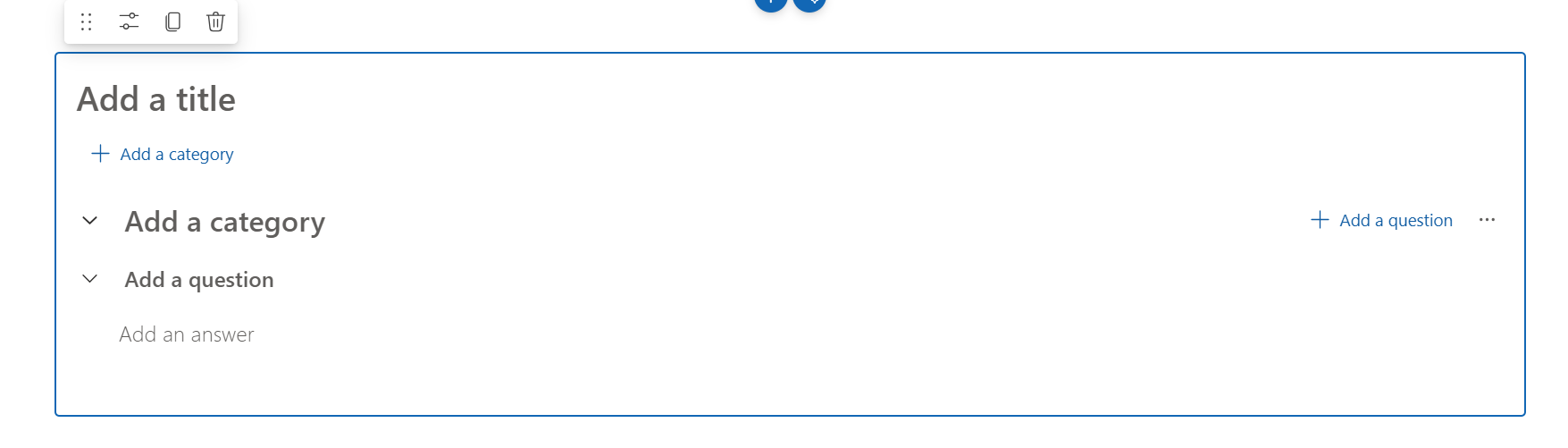
In the FAQ web part, enter a title, and then add categories, questions, and answers directly on the canvas.
Option 2: Generate FAQ content with Copilot in SharePoint
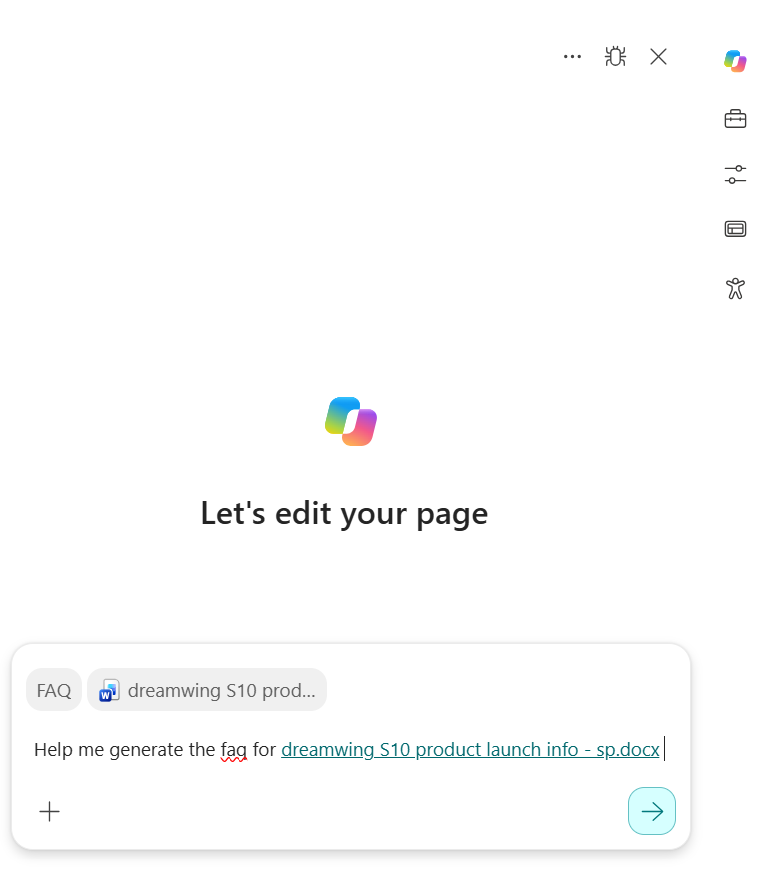
To use this option, you need a Microsoft 365 Copilot license. Select Copilot on the right side of the Content pane, and then enter a prompt to generate or edit your FAQ content.
Configure the FAQ web part
After you add the FAQ content, you can:
- Customize the FAQ layout.
- Show or hide the title and categories.
- Share a specific question and answer by selecting Copy link to question.
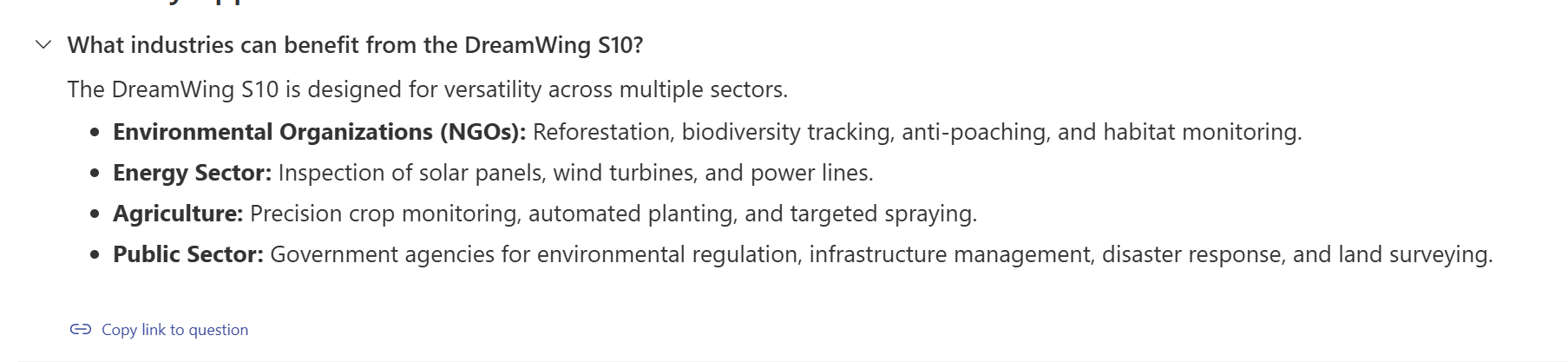
Collect questions from FAQ viewers
As an FAQ author, you can add a field below the FAQ web part where viewers can submit questions that aren't answered in the current FAQ list.
Enable viewer question submissions
In the FAQ web part property pane, turn Enable submit question field on or off.

Submit a question as a viewer
When question submissions are enabled, enter a question in the field below the FAQ web part, and then select Send to author. The question is shared anonymously with the FAQ author.
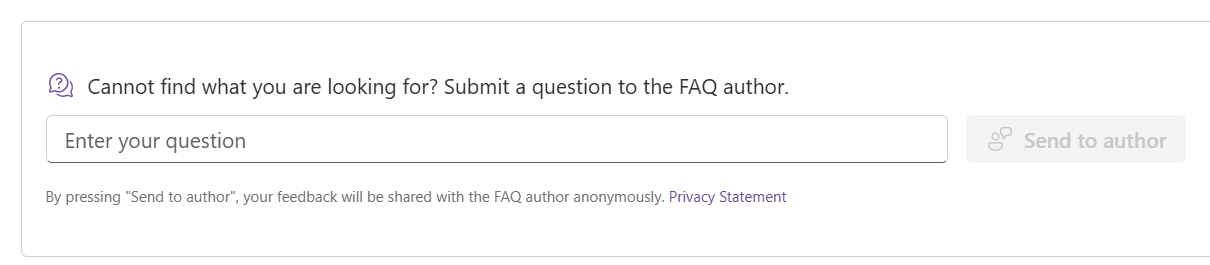
Review questions submitted by viewers
- Edit the SharePoint page that contains the FAQ web part.
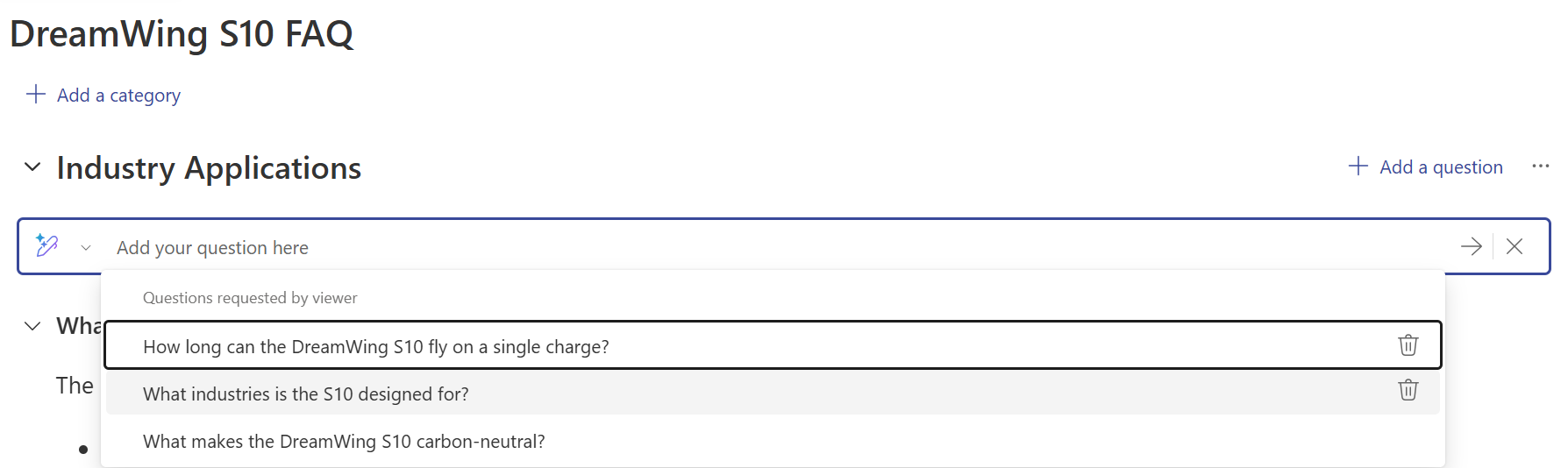
- In the FAQ web part, select Add a question.
- Select a viewer-submitted question from the dropdown list.
The FAQ web part uses AI to evaluate viewer-submitted questions and filters out questions that aren't relevant to the FAQ content. For example, it filters out an unrelated question about today's weather.