
Last Updated: July 22, 2026
ISSUE
When a user receives a Shared Calendar invite and selects Accept in the sharing notification, classic Outlook for Windows might crash.
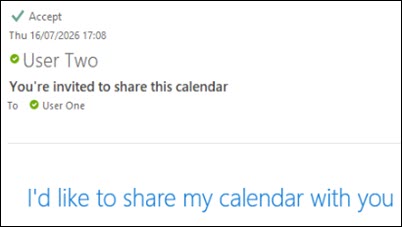
This is known to happen when the owner of the Calendar shares it with Can view all details permission.
STATUS: INVESTIGATING
The Outlook Team is investigating this issue. We will update this topic when we have more information.
WORKAROUND
To work around the issue, users can accept the sharing invite through new Outlook or Outlook Web App.
More Resources
 Ask the experts
Connect with experts, discuss the latest Outlook news and best practices, and read our blog.
 Get help in the community
Ask a question and find solutions from Support Agents, MVPs, Engineers, and Outlook users.
 Suggest a new feature
We love reading your suggestions and feedback! Share your thoughts. We're listening.
See Also
Fixes or workarounds for recent issues in classic Outlook for Windows