

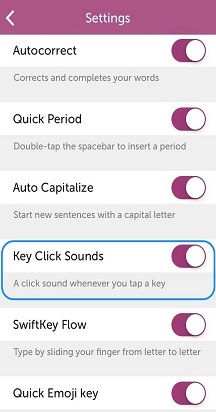
You can turn sounds on and off, turn haptic (vibration) feedback on and off, change the sound your keypress makes and the length of vibration.
To change volume or vibration:
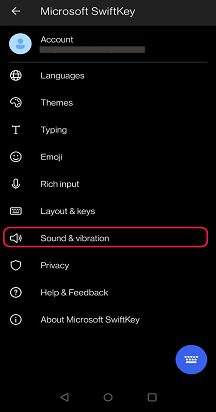
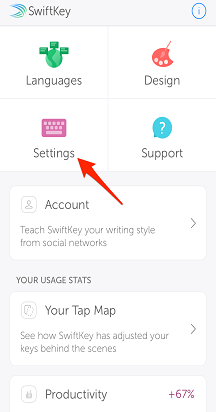
- Open the Microsoft SwiftKey app from your device
- Tap 'Sound & Vibration'
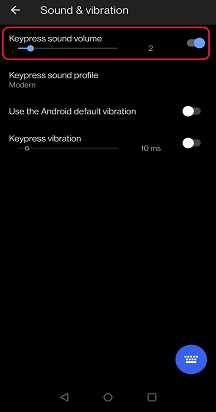
- Check or uncheck 'Use the Android default vibration' or 'Keypress vibration'
- Change strength of vibration using the sliders if you selected 'Keypress vibration'
To change the keypress sound:
- Open the Microsoft SwiftKey app
- Select 'Sound & Vibration'
- Ensure 'Keypress sound volume' is turned on
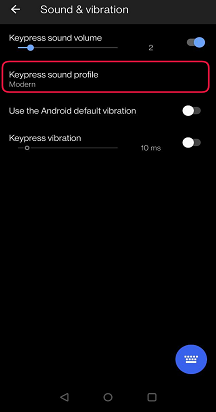
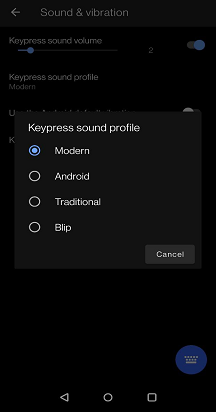
- From the 'Keypress sound profile' options, select a sound of your choice
Contact Us
For more help, Contact Support at Microsoft SwiftKey Support - Contact us