

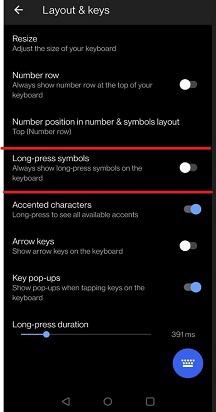
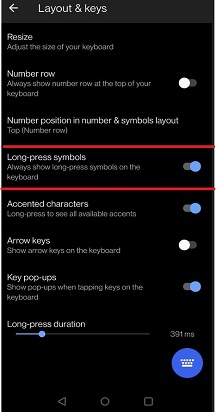
The "Long-press symbols" setting in SwiftKey allows to see the symbols on the top of the key on the keyboard.
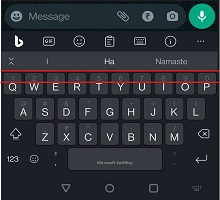
Under themes, if you choose "non-minimal" theme, you can now toggle secondary character views on the keyboard in the settings.
To enable this feature in SwiftKey, follow these steps:
- Open the SwiftKey app on your device.
- Tap Layout & keys.
- Toggle on Long-press symbols.
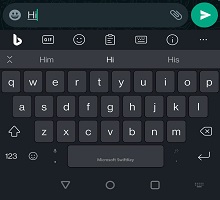
Once this option is enabled, you can view symbols on the keyboard on non-minimal themes. As shown in the screenshots below.
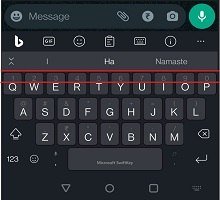
Note: This setting for long-press symbols is currently functional on "non-minimal" themes only in SwiftKey Keyboard.
Contact Us
For more help, Contact Support at Microsoft SwiftKey Support - Contact us