
You can view a list of Viva Pulses sent to you along with the status of the requests, such as whether you've completed them, if they've expired, or if they've been canceled.
To see the Pulses requested from you, do this:
Open the Viva Pulse app in Microsoft Teams or in the web browser.
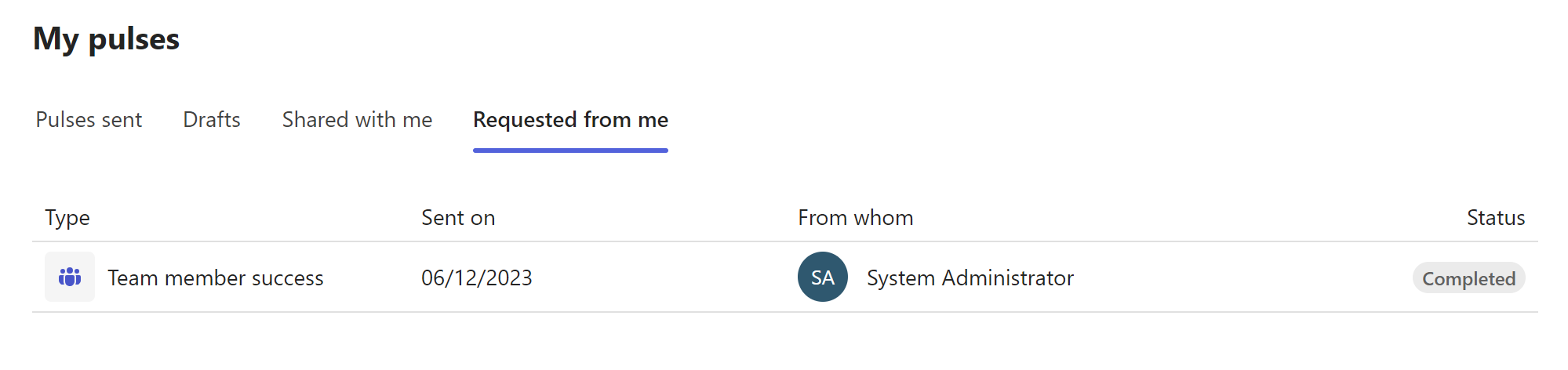
Go to the My pulses section and select the Requested from me tab. If you've had pulses requests sent to you, you'll see the following:
Completed indicates Viva Pulse requests you provided feedback for.
Expired indicates Viva Pulse requests you did not provide feedback for before the Pulse deadline.
Canceled indicates Viva Pulse requests the feedback author canceled.
You can sort the Viva Pulse requests in the Requested from me tab by selecting the Sent on column header. The Pulse requests are sorted in descending order by default, with the latest requests first and earliest requests last.