

Templates make it easy to plan projects, brainstorm, and collaborate in Microsoft Whiteboard.
To insert a template:
- Select the Create (plus) button in the toolbar.
- Select the Templates button in the Create panel.
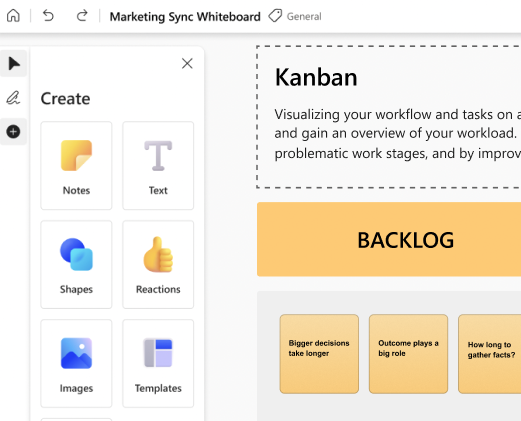
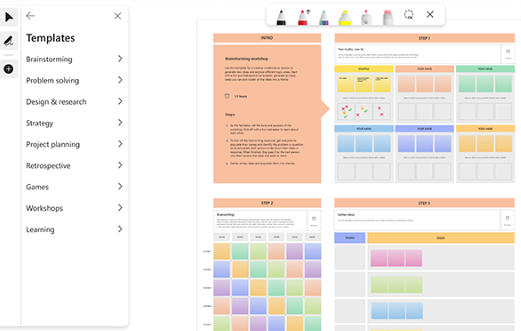
- Scroll through the available template categories. Hover over a template to see a description.
- Click and drag a template to add it to your whiteboard.
Template categories
The following categories are available to help you plan and collaborate.
- Brainstorming - explore creative ideas with your team.
- Problem solving - analyze and resolve problems.
- Design and research - deepen customer focus and track customer feedback.
- Strategy - move from strategy to execution faster through analysis and goal setting.
- Project planning - increase productivity with tools such as kanbans or daily stand-up tasks.
- Games - engage and energize groups with games such as Two truths, one lie.
- Retrospectives - reflect and improve with team retrospectives.
- Workshops - inspire and facilitate groups with templates for brainstorming and team alignment.
- Learning - observe and learn with templates for project lessons, compare and contrast, and more.
Note
We plan to add more templates in future releases.