
The standalone Microsoft Whiteboard apps for Windows, iOS, and Android retire on October 16, 2026. This retirement applies to users with work or school accounts and users with personal Microsoft accounts.
For work or school accounts, Microsoft Whiteboard is not retiring. Users can continue using Whiteboard in Microsoft Teams and on the web.
Important
The standalone apps retire on October 16, 2026. Already-installed apps will display a retirement experience instead of opening the Whiteboard gallery or whiteboard content.
Overview
The standalone Whiteboard apps are native applications distributed for Windows, iOS, and Android. These three apps retire on October 16, 2026, for both work or school accounts and personal Microsoft accounts.
- For work or school accounts (enterprise): Retirement of the standalone apps does not remove OneDrive-backed whiteboards. Users can continue to create, open, and collaborate on whiteboards through supported Microsoft 365 entry points, including Microsoft Teams and Whiteboard on the web.
- For personal Microsoft accounts (consumer): The standalone Whiteboard apps for Windows, iOS, and Android retire on October 16, 2026. After that date, already-installed apps display a retirement experience instead of opening the Whiteboard gallery or whiteboard content.
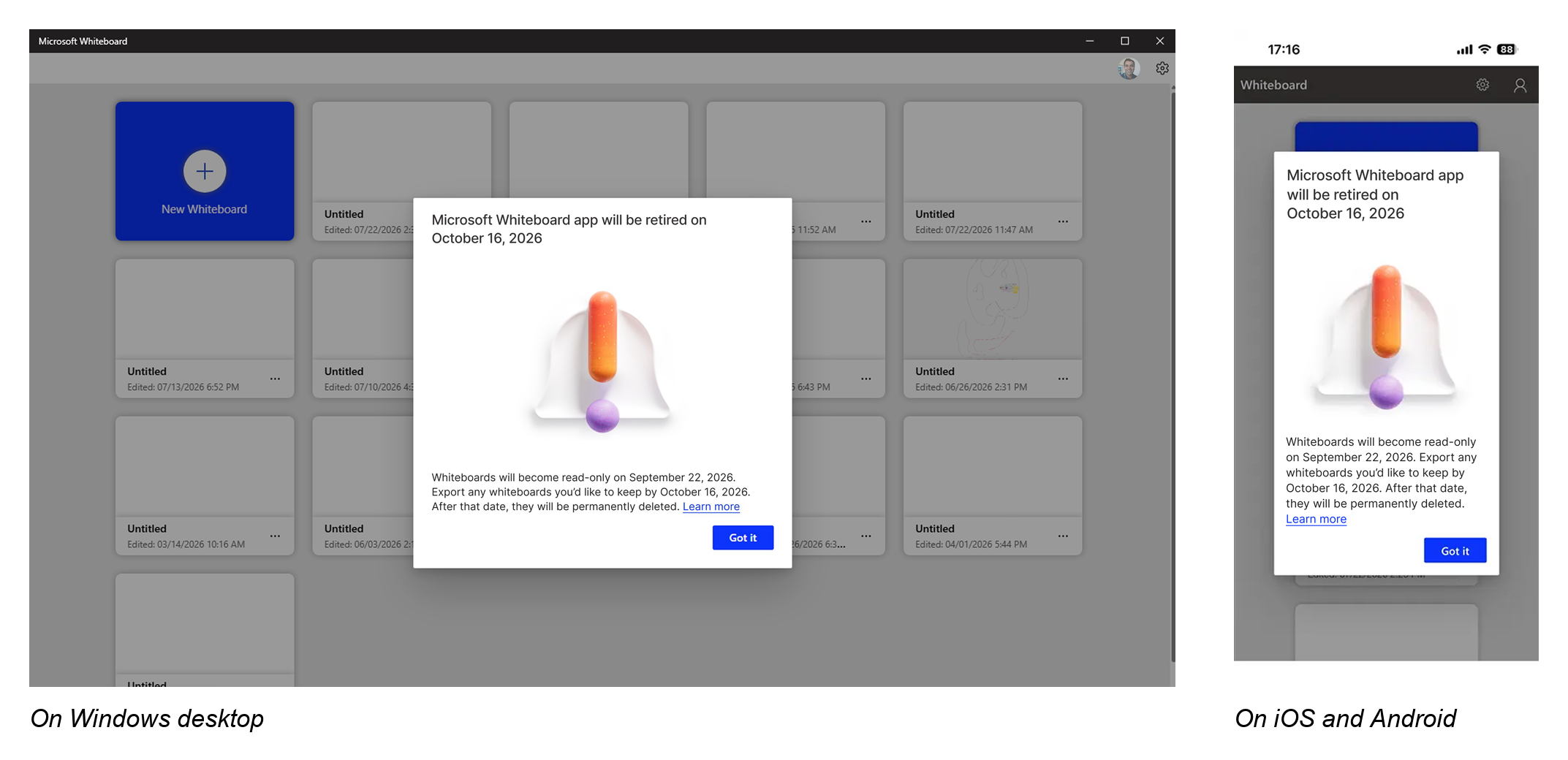
Retirement schedule
| Retirement date | What changes |
|---|---|
| October 16, 2026 | The standalone Whiteboard apps for Windows, iOS, and Android retire for users with work or school accounts and personal Microsoft accounts. Already-installed apps display a retirement experience instead of opening the Whiteboard gallery or whiteboard content. |
Which Whiteboard apps are retiring
The following standalone apps retire on October 16, 2026:
- Microsoft Whiteboard for Windows.
- Microsoft Whiteboard for iOS.
- Microsoft Whiteboard for Android.
Already-installed apps are not necessarily removed automatically from devices. After retirement, the apps display a retirement experience instead of opening the Whiteboard gallery or whiteboard content.
Whiteboard in Microsoft Teams and Whiteboard on the web are not standalone apps and are not included in this app retirement.
For work or school accounts
Microsoft Whiteboard is not retiring for work or school accounts. After October 16, users can continue to access OneDrive-backed whiteboards through supported Microsoft 365 entry points, including:
- Whiteboard on the web.
- Whiteboard in Microsoft Teams meetings.
- A Whiteboard tab in a Teams chat.
- The Whiteboard app in Microsoft Teams.
- OneDrive-backed Whiteboard files through supported OneDrive experiences.
Where you can use Whiteboard after the standalone apps retire
Users with work or school accounts can continue using Whiteboard through these supported entry points.
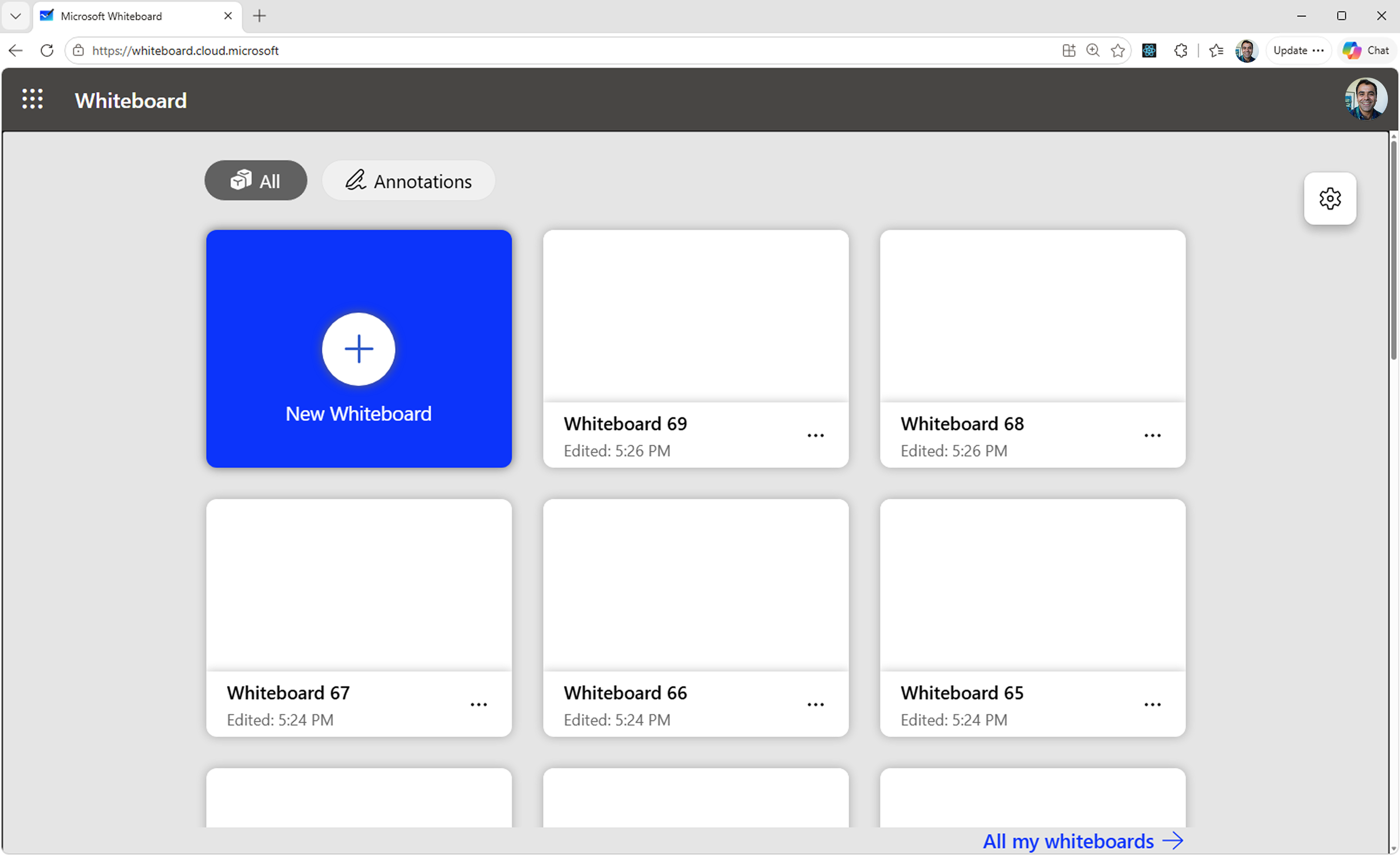
Whiteboard on the web — create and open OneDrive-backed whiteboards in a browser.
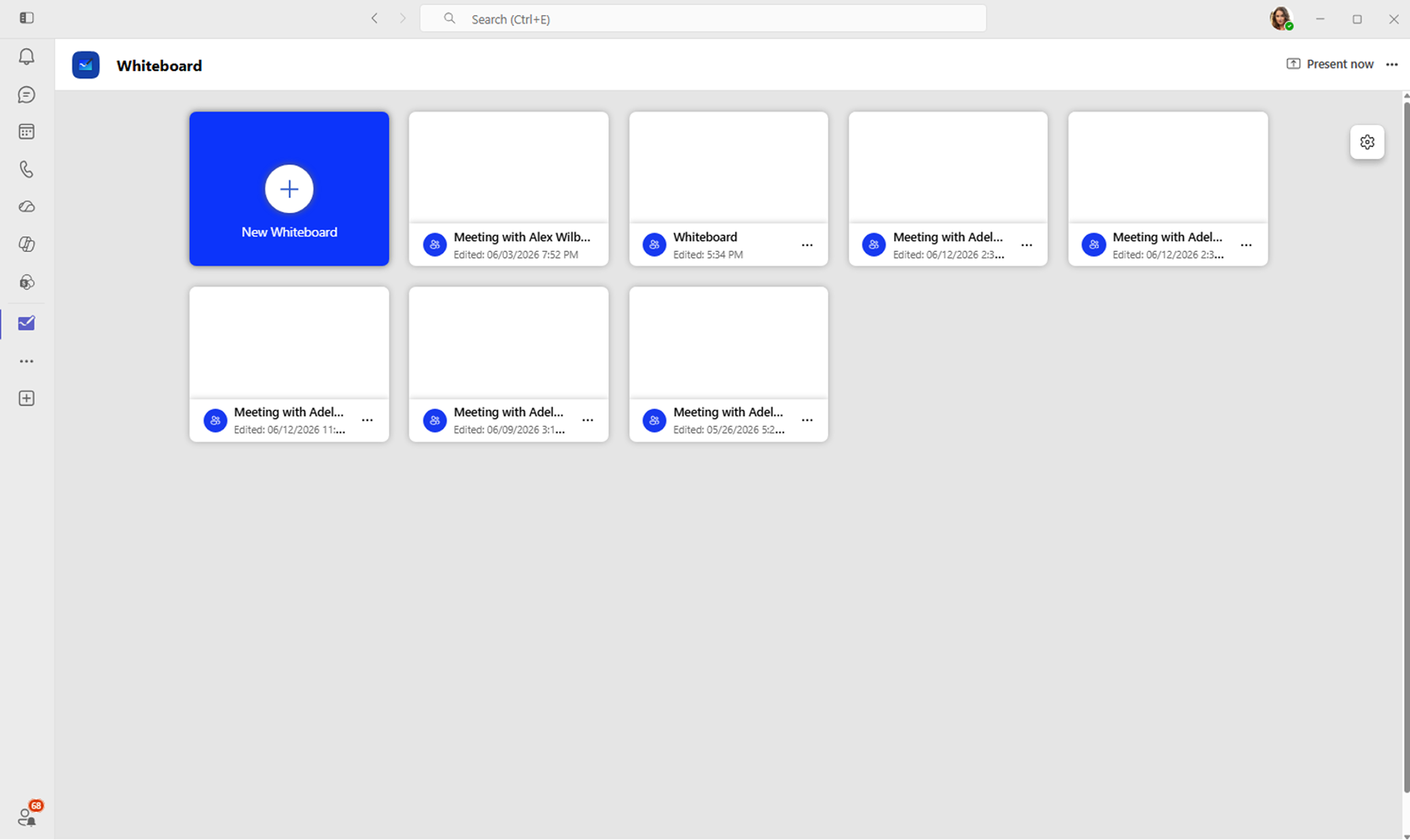
Whiteboard app in Microsoft Teams — open the Whiteboard gallery without using the standalone app.
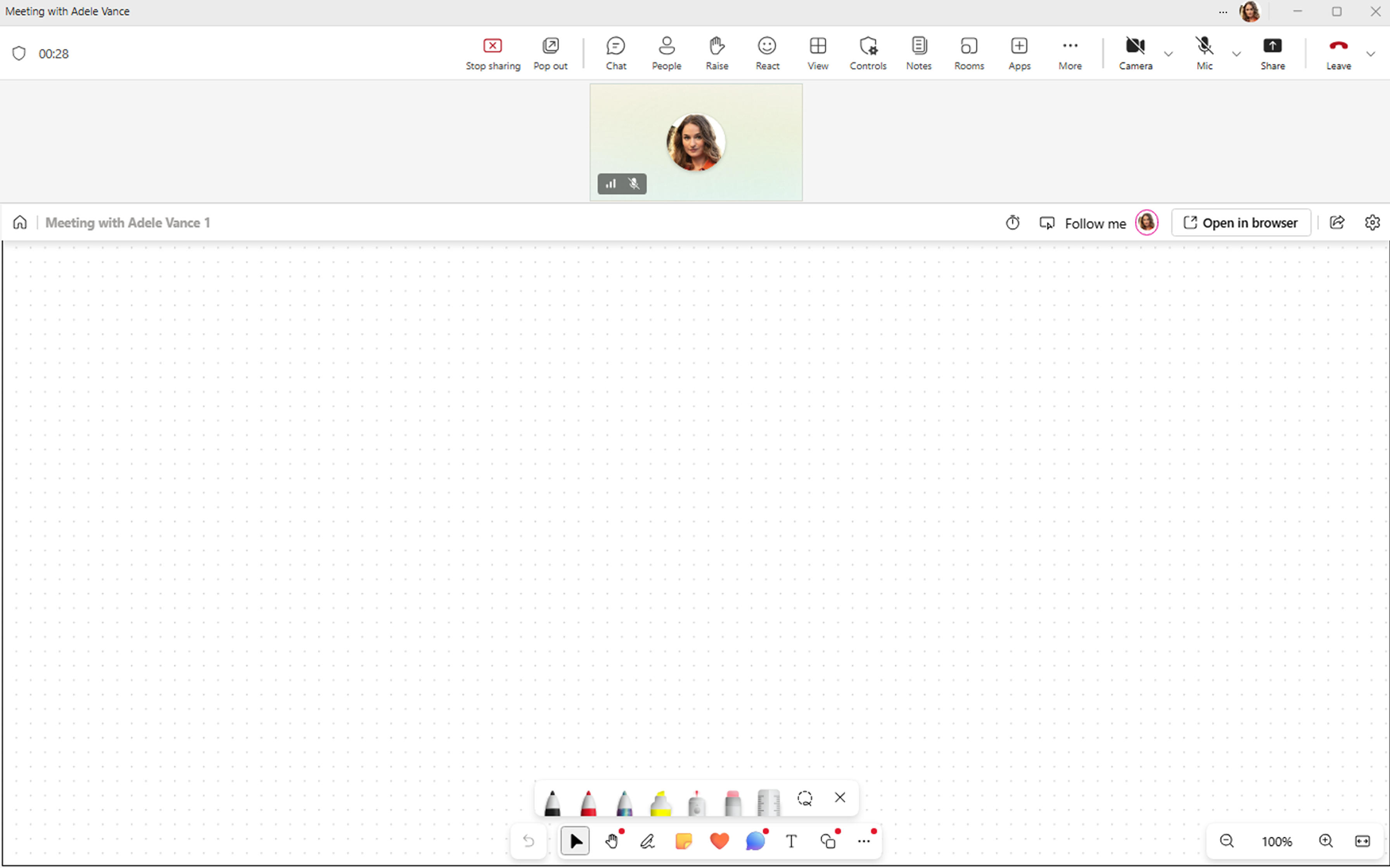
Whiteboard in a Teams meeting — collaborate on a whiteboard during a meeting.
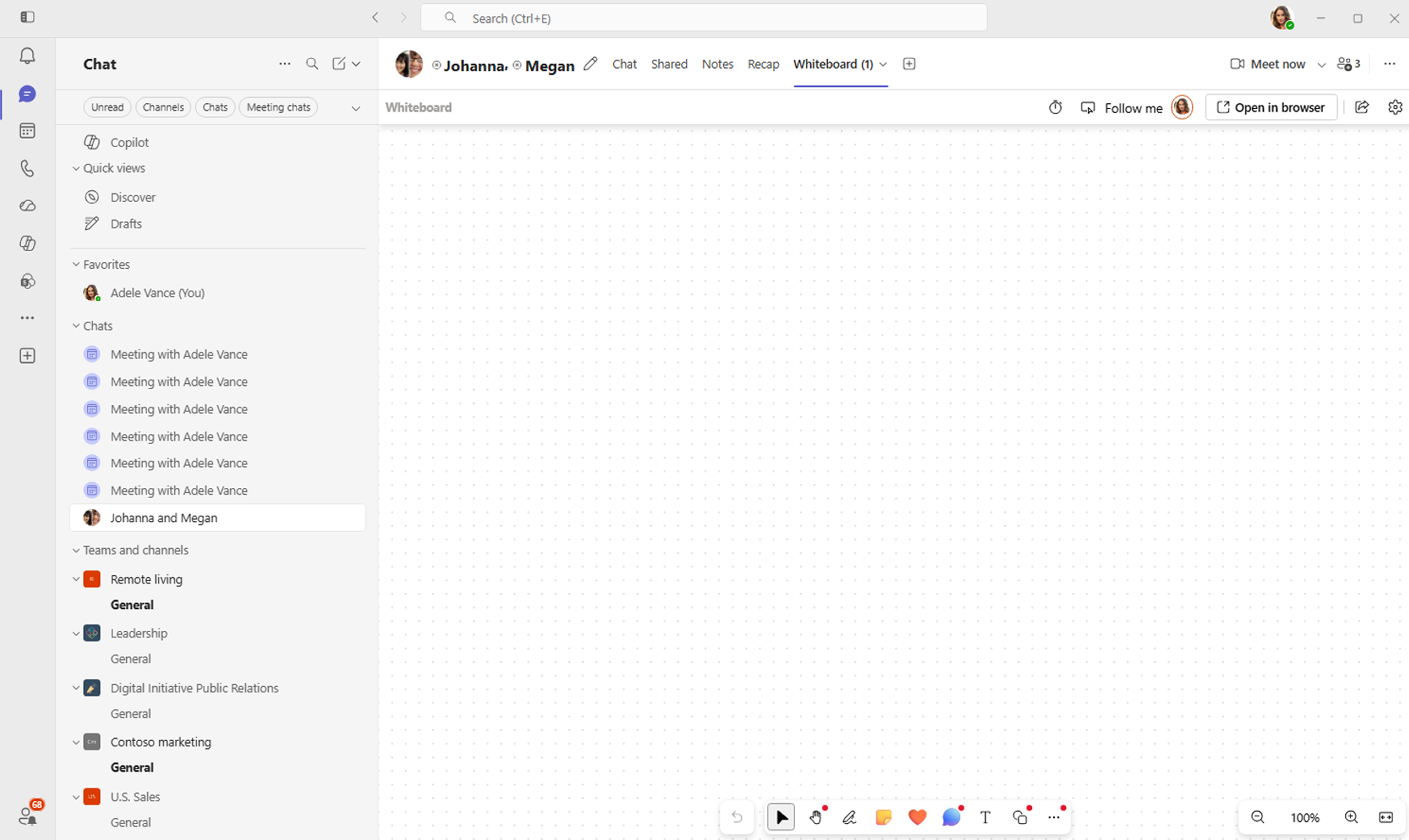
Whiteboard in a Teams chat — open a shared whiteboard from the Whiteboard tab in a chat.
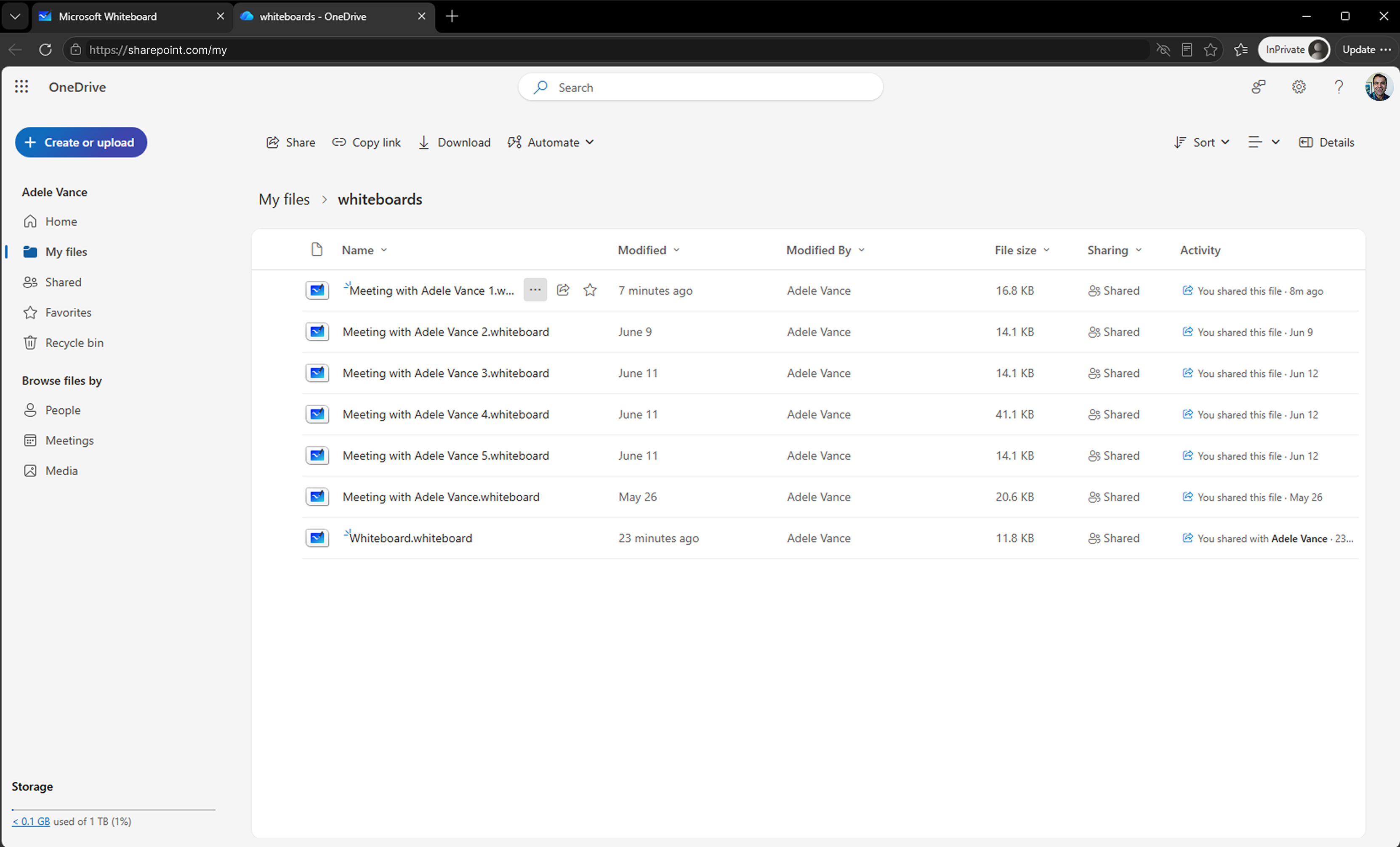
Whiteboard files in OneDrive — find and open OneDrive-backed .whiteboard files.
Prepare for standalone app retirement
Organizations should complete the following actions before October 16:
- Identify users who rely on the standalone Whiteboard apps for Windows, iOS, or Android.
- Direct users with work or school accounts to Whiteboard in Microsoft Teams or on the web.
- Update managed-app catalogs, device images, and software-deployment guidance.
- Update internal documentation, training, and helpdesk scripts.
- Remove links or instructions that direct users to install or open the standalone apps.
For personal Microsoft accounts
The standalone Whiteboard apps for Windows, iOS, and Android retire for users with personal Microsoft accounts on October 16, 2026. After this date, already-installed apps display a retirement experience instead of opening the Whiteboard gallery or whiteboard content.
Frequently asked questions
Is Microsoft Whiteboard being retired?
No. The standalone Whiteboard apps for Windows, iOS, and Android are retiring. Users with work or school accounts can continue using Whiteboard in Microsoft Teams and on the web.
Which apps are retiring?
The standalone Microsoft Whiteboard apps for Windows, iOS, and Android retire on October 16, 2026. This applies to users with work or school accounts and users with personal Microsoft accounts.
What happens when I open an installed standalone app after October 16?
The app displays a retirement experience instead of opening the Whiteboard gallery or whiteboard content.
Where can users with work or school accounts use Whiteboard after October 16?
Use Whiteboard in Microsoft Teams or on the web. OneDrive-backed whiteboards remain available through supported Microsoft 365 entry points.
Related information
If your organization has legacy Azure-based whiteboards, see Migration of whiteboards from Azure to OneDrive.