

Important
Starting March 5, 2025, Windows Subsystem for Android™ and the Amazon Appstore aren't available in the Microsoft Store.
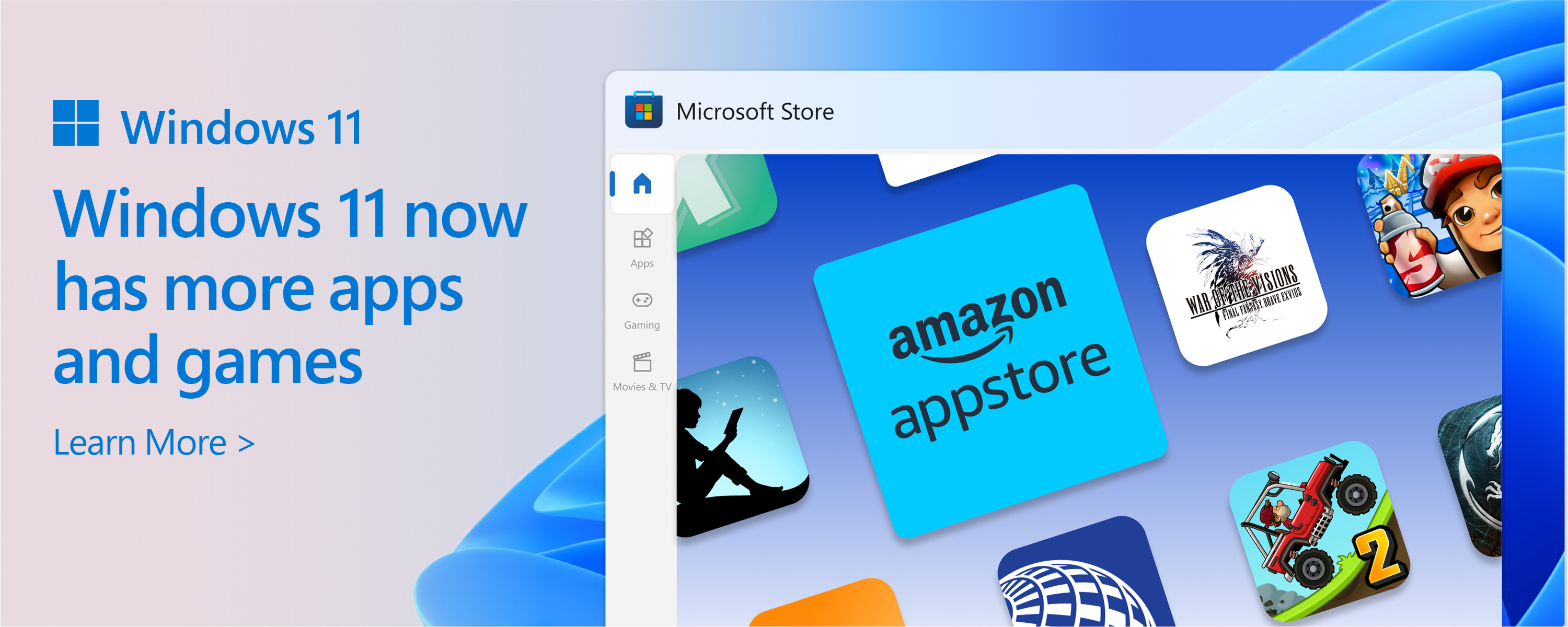
Get started with the Amazon Appstore on Windows
Review system requirements and learn how to install the Amazon Appstore on Windows.
How to use mobile apps
Supported countries and regions
Check to see if the Amazon Appstore on Windows is supported where you live.
Accessibility for mobile apps on Windows
Learn about the accessibility support and how to turn it on for mobile apps on Windows.
Manage settings
Use Windows Subsystem for Android™ Settings app to adjust your experience for mobile apps on Windows.
Supported inputs
Navigate mobile apps on Windows with your keyboard, mouse, or touch.
Help and troubleshooting
Troubleshooting and FAQ
Having problems with your app? Try these troubleshooting steps to fix your issue.
Uninstall the Amazon Appstore
Learn what happens when you uninstall mobile apps or the Amazon Appstore.
Other resources
Developer docs
If you’re a developer looking to create or update your app so it can be used on Windows, take a look at the developer documentation.
Android is a trademark of Google LLC.