
Setting up your phone with your PC
Link your device once, then choose what syncs.
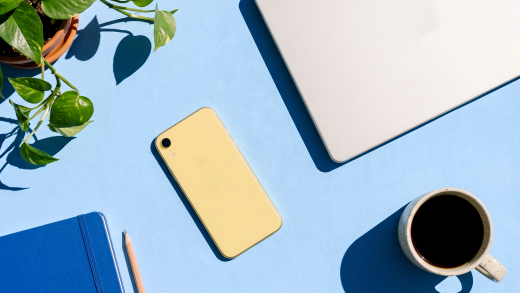
Introducing Cross-device experiences
Explore how you can leverage your phones capabilities on your pc.
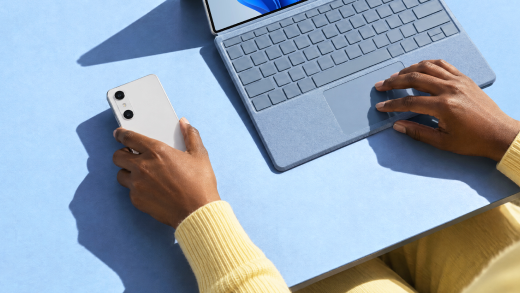

Your phone, on your PC
Link it once, then handle calls and texts, move photos and files, and use its camera and hotspot without switching devices.

Communicate Easily
Never miss a moment. Your calls, texts, and alerts arrive right on your PC.

Transfer files
Reach everything on your phone from your PC, and move it either way. No cables needed.

Extend your hardware
Your phone's hardware, available right inside Windows.
Learn more & get support
Link it once, then handle calls and texts, move photos and files, and use its camera and hotspot without switching devices.

Learn & manage more
Never miss a moment. Your calls, texts, and alerts arrive right on your PC.

Troubleshoot & Fix
Reach everything on your phone from your PC, and move it either way. No cables needed.

Accessibility
Your phone's hardware, available right inside Windows.