Summary
If you've recently installed a Windows Update and the update is causing your device to have errors or other issues, uninstall the update to try to resolve the issue.
Important
Before uninstalling a security update, make sure you understand the risks. If you're using Windows 11, try to reinstall your version of Windows first.
Uninstall an update from Settings
Select Start
 > Settings
 > Windows Update
 .
.Under More options, select Update history.
Under Related settings, select Uninstall updates.
From the list, select update you want to remove, and then select Uninstall.
Note
Some updates cannot be uninstalled.
Uninstall an update from Windows RE
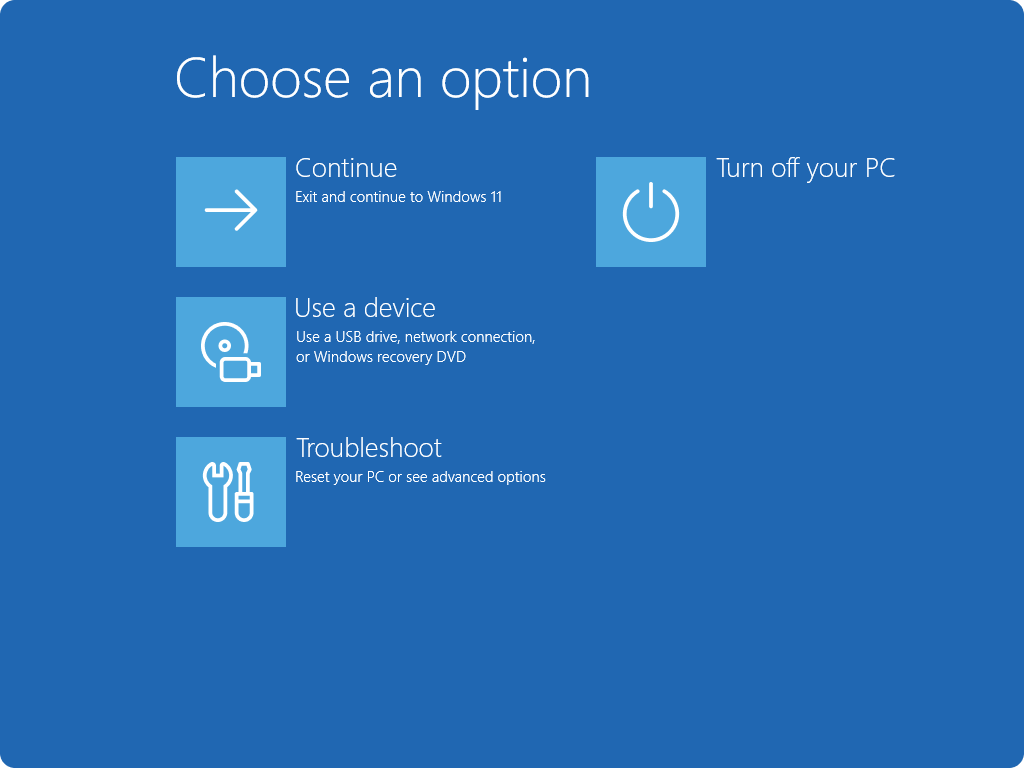
If you can't access Windows and you want to uninstall an update, you can do so from Windows RE. Here are the steps:
- Access the Windows Recovery Environment.
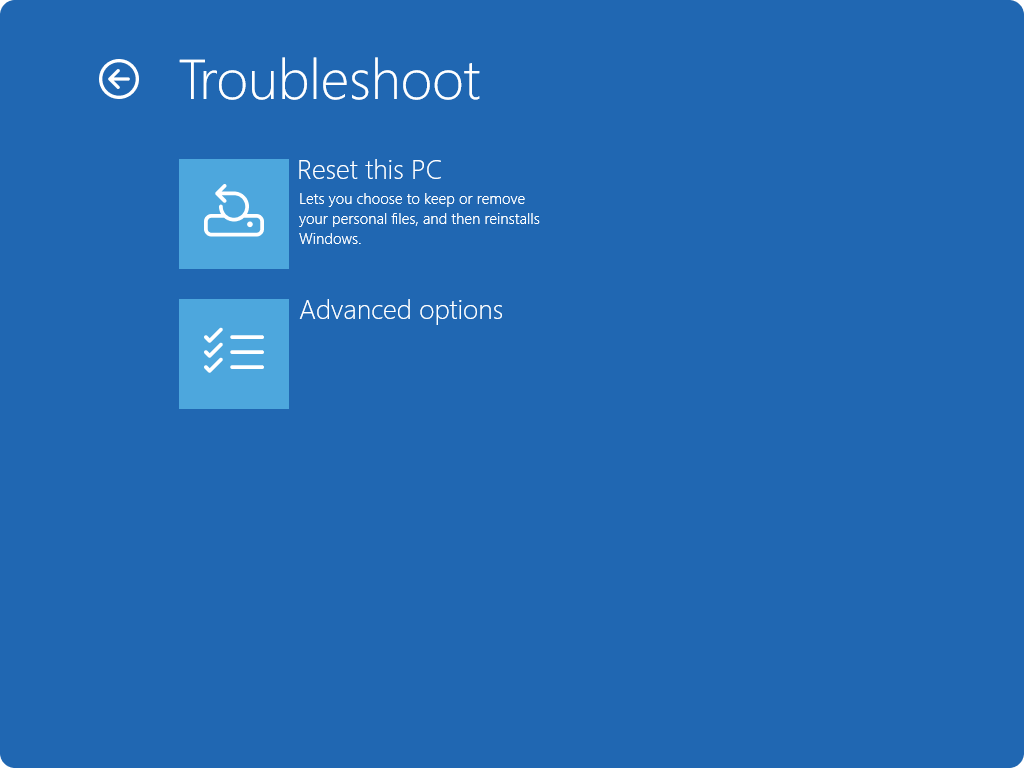
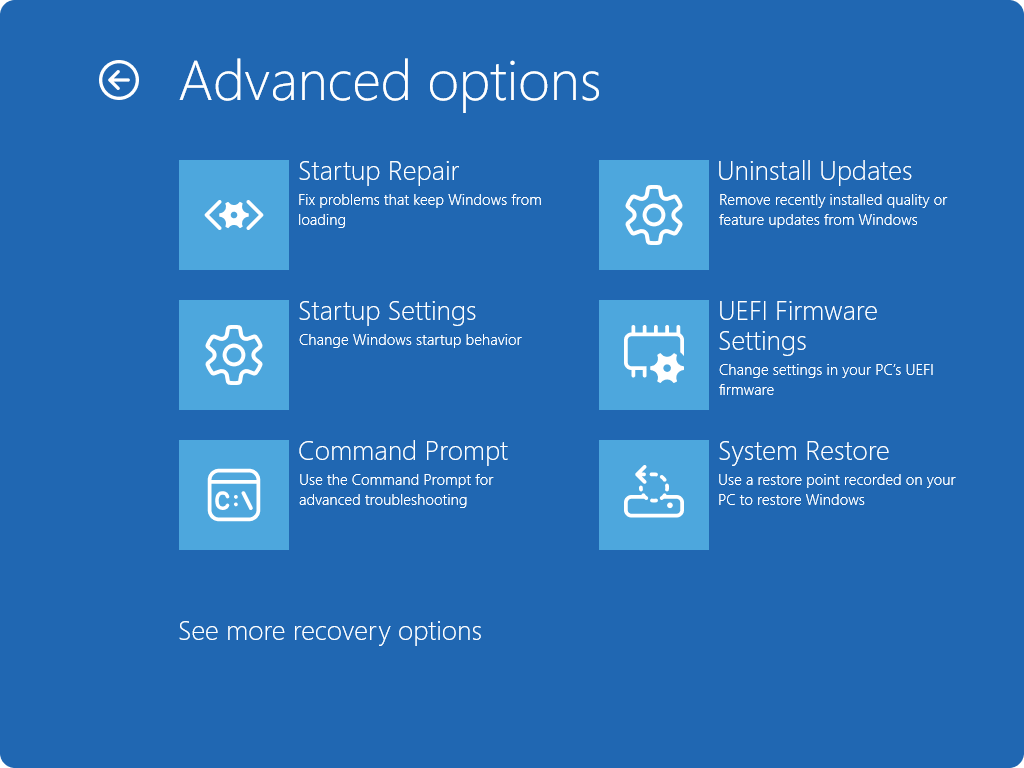
- Once in Windows RE, select Troubleshoot > Advanced options > Uninstall Updates.
- Select either Uninstall latest quality update or Uninstall latest quality update.