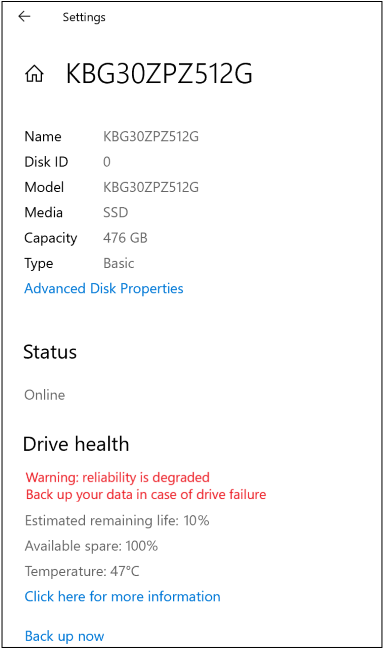
Are you experiencing device slowness or freezing, a longer computer startup time, or difficulty updating to the latest version of Windows 11? Here's what to do when you see the following notification:
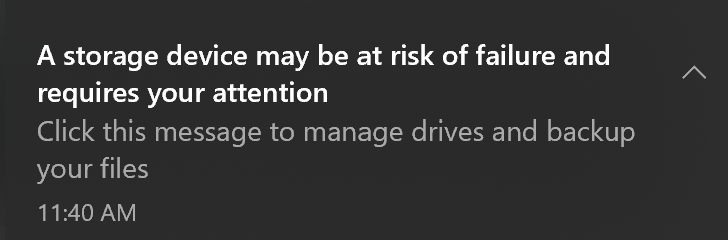
We strongly recommend you pay attention to this message. Back up your data and contact Microsoft support to resolve any additional concerns or issues.
What does this message mean?
When Windows sends this notification, select the message or go to Start
 > Settings
 > System
 > Storage
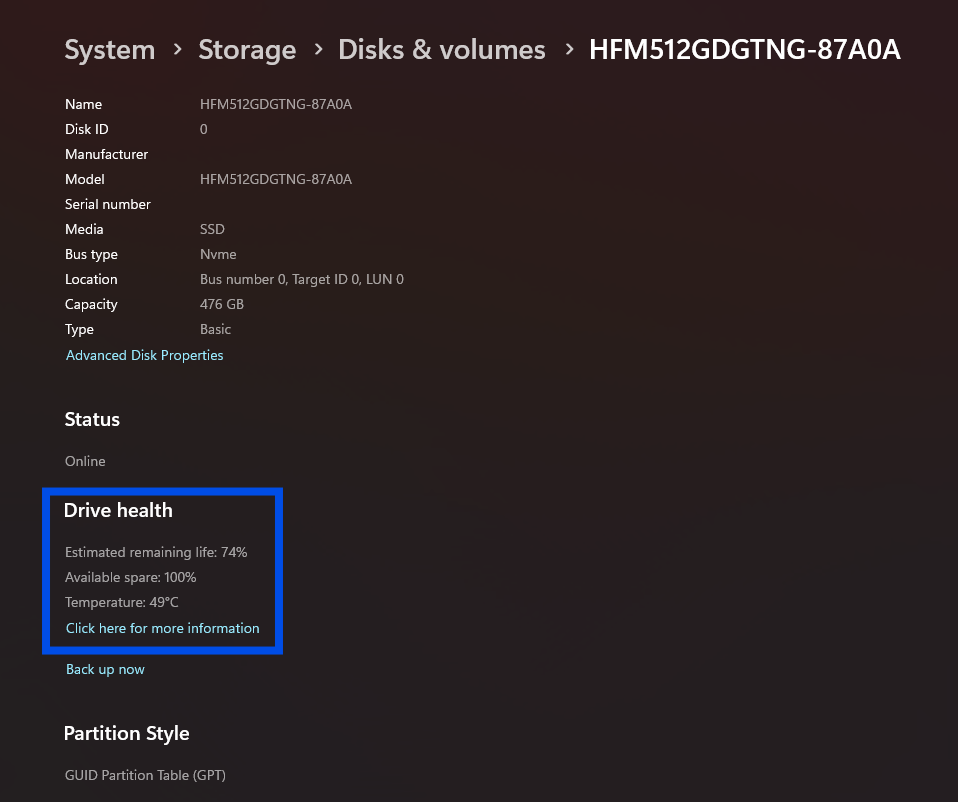
 > Advanced storage settings > Disks & volumes, then select Properties for the problematic disk to see additional details.
For example:
There are three types of critical warnings:
| Warning | Description |
|---|---|
| Spare capacity is low | Spare storage capacity is below the manufacturer's safety threshold. |
| Reliability is degraded | Reliability is degraded because of significant media-related errors or an internal error to the NVM subsystem. |
| Drive is set to read-only | Data stored on the device can still be accessed but you can’t write to it. |
There are also three disk health attributes you can watch that affect disk performance:
| Attribute | Description |
|---|---|
| Estimated remaining life | The approximate percentage used, which is based on the manufacturer’s prediction of drive life. Note that although the value is capped at 0%, a value below that is possible as consumption does not automatically mean device failure. |
| Available spare | A normalized percentage (0% to 100%) of the remaining spare capacity available. |
| Temperature | Temperature of the overall device in degrees Celsius. |
More about SSD storage devices
SSD storage devices are built-in or external devices based on integrated circuit assemblies and flash memory. SSD is an abbreviation for solid-state drive or solid-state device.
These devices have two main bus interfaces:
- Traditional: Serial AT Attachment (SATA)
- High speed: Non-Volatile Memory (NVMe), which is is an associated communications standard.
Note
Windows only monitors NVM SSD and not SATA SSD or hard disk drives (HDD).