
You can add a location and compare times from around the world.
Select Start
 and select Clock from the app list, or enter Clock into the search box.
In the Clock app, select World clock.
Note
If necessary, select Toggle navigation
 in the upper left to open the menu first.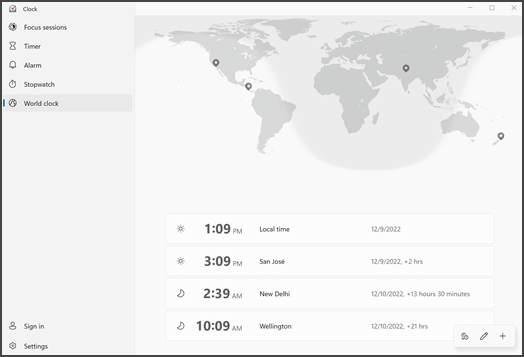
Select Add a new city
 at the bottom.
Type the first few letters of a location, and then select it in the list. If you don't see the one you want, try another location in the same time zone. Select Add.
Select Compare
 , and then select a time on the slider.
To stop comparing times, select the back arrow in the upper left corner.