
To use a picture as a checkmark:
Click or tap where you want the checkmark.
Go to Insert > Pictures > Online Pictures.
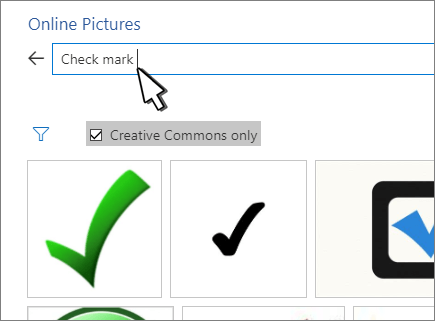
Search for check mark, checkmark, or tick mark.
Select an image to use.
Select Insert.
Resize the image as needed.
To use a picture as a checkmark:
Click or tap where you want the checkmark.
Go to Insert > Pictures > Online Pictures.
Search for check mark, checkmark, or tick mark.
Select an image to use.
Select Insert.
Resize the image as needed.