Change whole document to Landscape
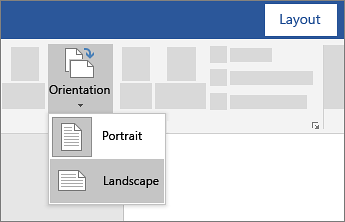
- Select Layout > Orientation.
- Choose Portrait or Landscape.
Change part of a document to landscape
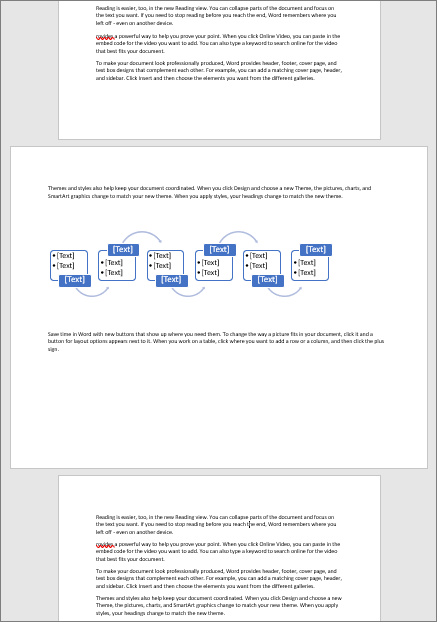
- Select the content that you want on a landscape page.
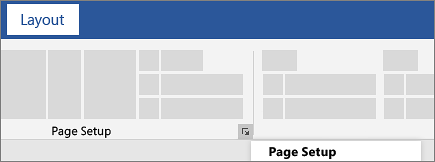
- Go to Layout, and select Page Setup dialog launcher
 .
.
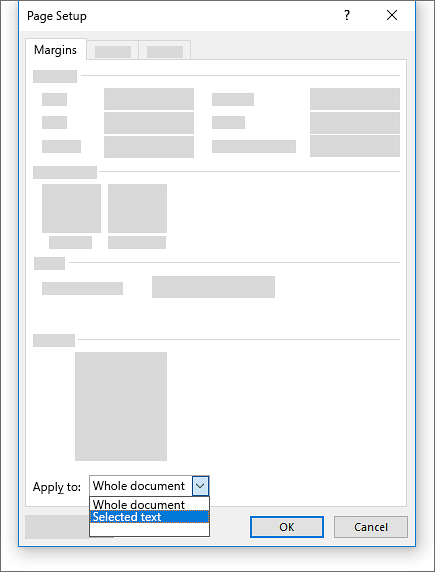
- Select Landscape, and in the Apply to box, choose Selected text.