Go to Layout > Margins > Custom Margins.
Enter new values for the margins.
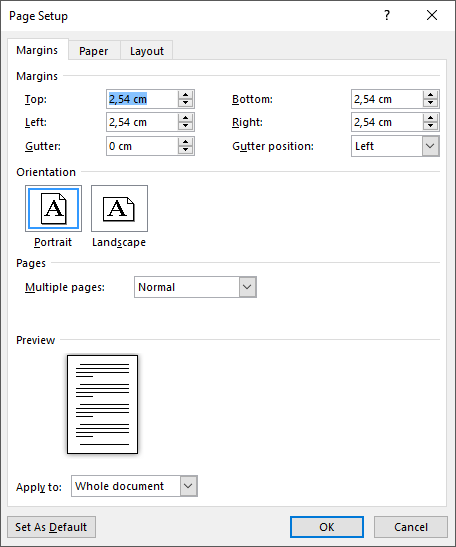
Select OK.
Go to Page Layout > Margins.

Select Custom Margins.
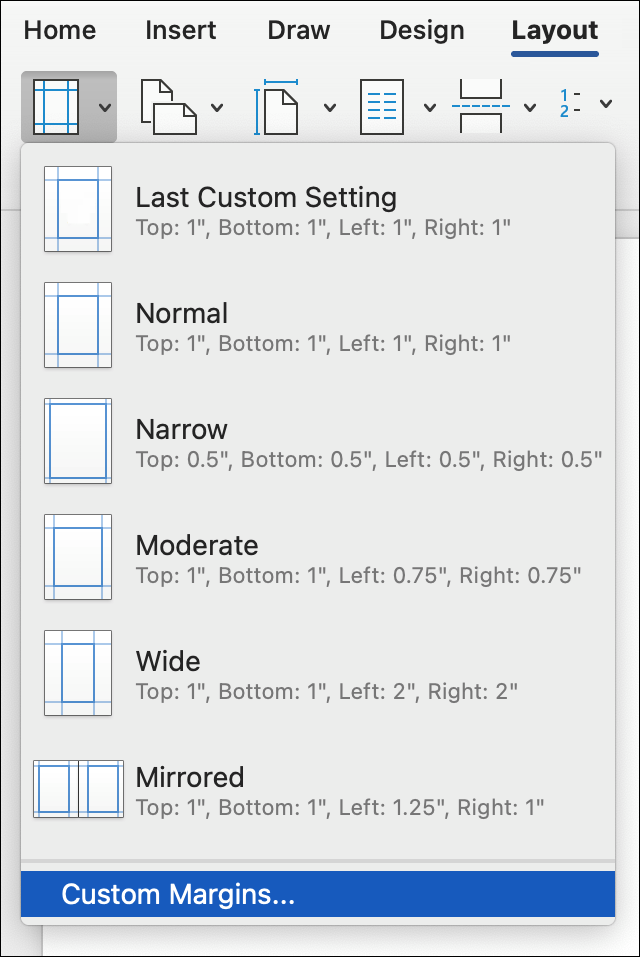
Enter new values for the margins.

Select OK.
- If you're not already in Edit view, select Edit Document > Edit in Word for the web.
- Go to Page Layout > Margins.

- Select Custom Margins.
- Set your custom margins.

- Select OK.
Note
If your document contains multiple sections, the new margin type will only be applied to the current section.

