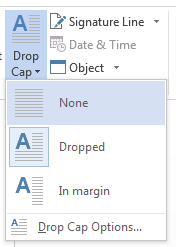
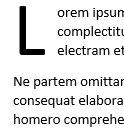
A drop cap (dropped capital) is a large capital letter used as a decorative element at the beginning of a paragraph or section. The size of a drop cap is usually two or more lines.
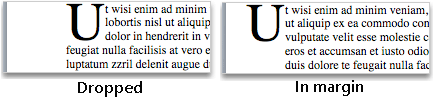
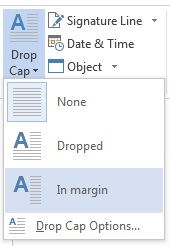
The following illustration shows your options for positioning a drop cap.
Add a drop cap
Select the first character of a paragraph.

Go to Insert > Drop Cap.

Select the drop cap option you want.
To create a drop cap that fits within your paragraph, select Dropped.
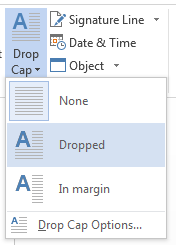
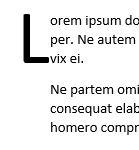
To create a drop cap that is in the margin, outside of your paragraph, select In margin.
Tip
You can change the size and font of the drop cap, as well as its distance from the text. To do so, select Drop Cap > Drop Cap Options, and under Options, make your selections.
Remove a drop cap
Highlight the large drop cap letter.
Go to Insert > Drop Cap and select None.