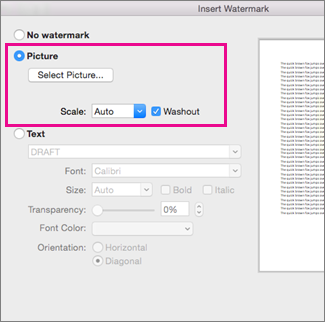
Adding a picture watermark is an easy way to make the pages of your document look like stationery. Use your company's logo to show off your brand.

- On the Design tab, in the Page Background group, select Watermark.
- Select Custom Watermark, and then choose Picture Watermark.
- Click Select Picture.
- Find a picture of your own, or search Bing images.
- Choose the picture you want and select Insert.