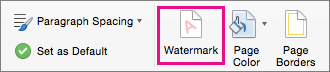
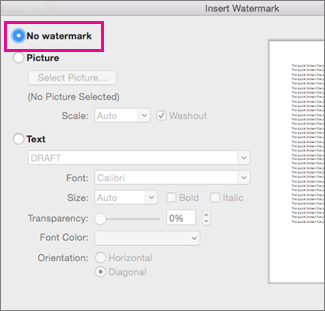
- Select Design > Watermark.
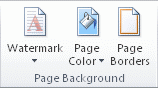
- Select Remove Watermark.
Remove a watermark by clicking the header area
If you can't delete a watermark using Remove Watermark, try this:
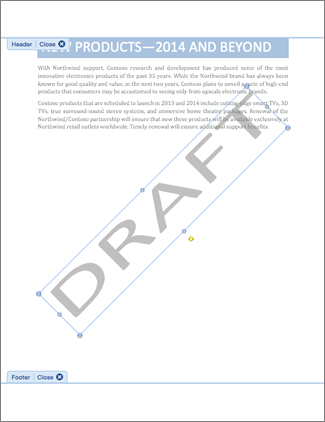
Double-click near the top of the page to open the header area.
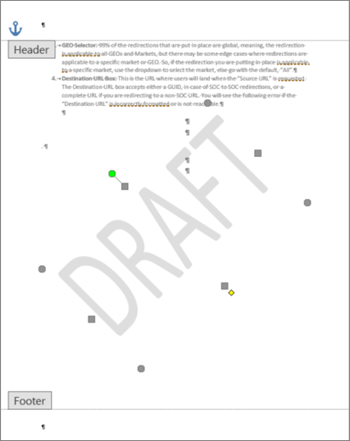
Put your cursor over the watermark until you see a 4-way arrow.
Select the watermark.
Press the Delete key on your keyboard.
Repeat as necessary to remove all watermarks.