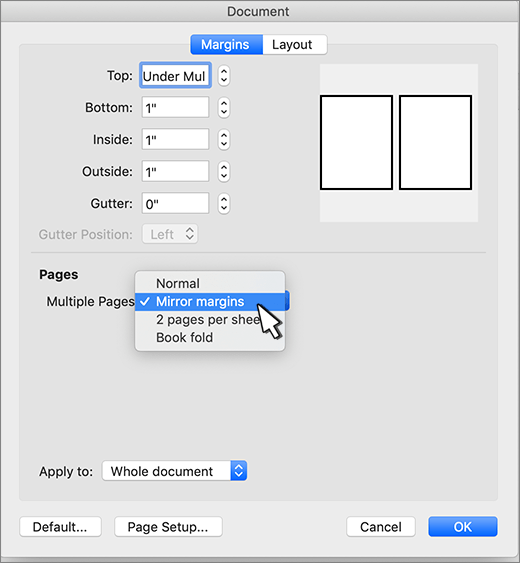
Use mirror margins to set up facing pages for double-sided documents, such as books or magazines. The margins of the left page are a mirror image of those on the right page. That is, the inside margins are the same width and the outside margins are the same width.
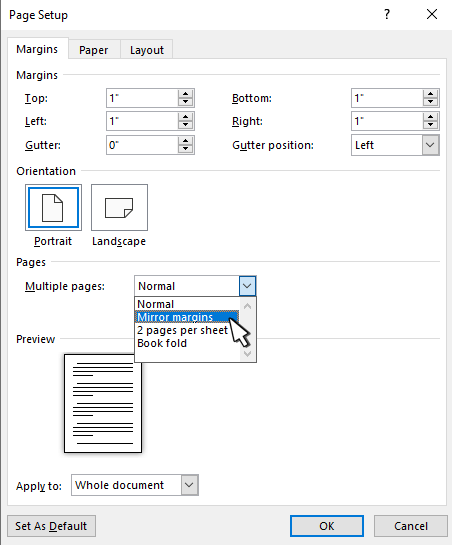
- Select Layout or Page Layout > Margins > Custom Margins.
- Under Multiple Pages, choose Mirror margins.
- Select OK.
Note
To change margin widths, select Custom Margins. Enter new values in the Inside and Outside boxes.