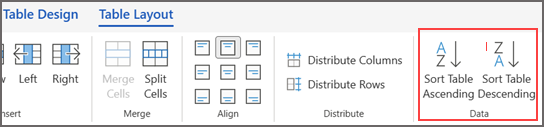
Select the table. After you select it, the Table Design and Layout tabs will appear.
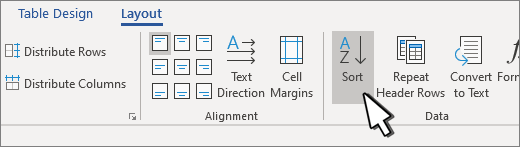
Next to Table Design, go to Layout > Sort.
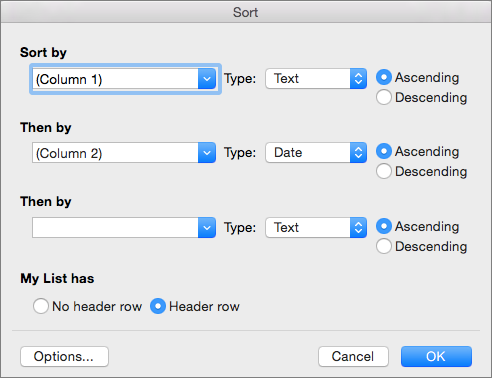
In the dialog box, choose how you’d like to sort the table.

- Choose whether data has headers or not.
- Under Sort by, choose the name or column number to sort by.
- Under Type, choose Text, Number, or a Date.
- Select Ascending or Descending order.
Repeat for up to three levels.
Select Options for additional settings, such as case sensitive, sort language, and if you have delimited information.
Select OK.
Sort the contents of a table
Applies To
Word for Microsoft 365 Outlook for Microsoft 365 Word 2024 Outlook 2024 Word 2021 Outlook 2021 Word 2019 Outlook 2019 Word 2016 Outlook 2016 Word Web App
Get help with Copilot