
Filters help you control the number of items displayed in lists. Throughout Dragon Copilot, you can use filters to customize your view.
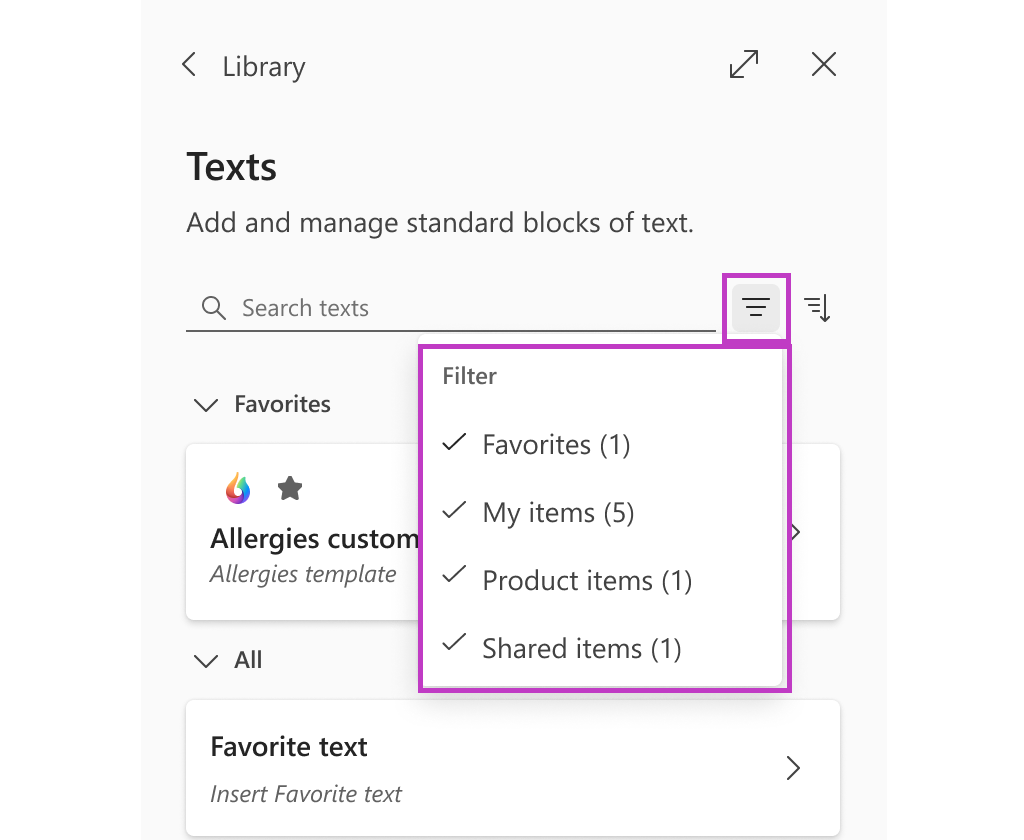
To filter Library Texts in Dragon Copilot:
- Select the Filter icon.
- Check or uncheck the desired groups to adjust your view.
Note
If you're a Dragon Medical One user and you create your own Auto-texts, you can access these Auto-texts in Dragon Copilot under Library > Texts > My items.
Related topics
Speed up your workflow with the Library