Ievads
Pārskata iegūšana
1:41
- Lejupielādēt Teams izglītības iestādēm ātro ceļvedi
- Transformējiet apmācību par Microsoft Teams (Microsoft pedagogu centra kurss)
- Sadarbības mācību vides izveide ar klases komandām (Microsoft pedagogu centra kurss)
- Mācību iniciatīvu atbalsts ar darbinieku komandām (Microsoft pedagogu centra kurss)
- Darba sākšana ar attālajām mācībām pakalpojumā Office 365 (Microsoft pedagogu centra kurss)
Darba sākšana
Grupas izveide vai pievienošanās tai
1:22
Komandas dalībnieku pārvaldība
1:34
Pārvietojieties savā Teams telpā
2:00
Darbs kopā
Darbs ar darba grupu kanālos
1:08
Saziņas uzturēšana, izmantojot sarunas
1:08
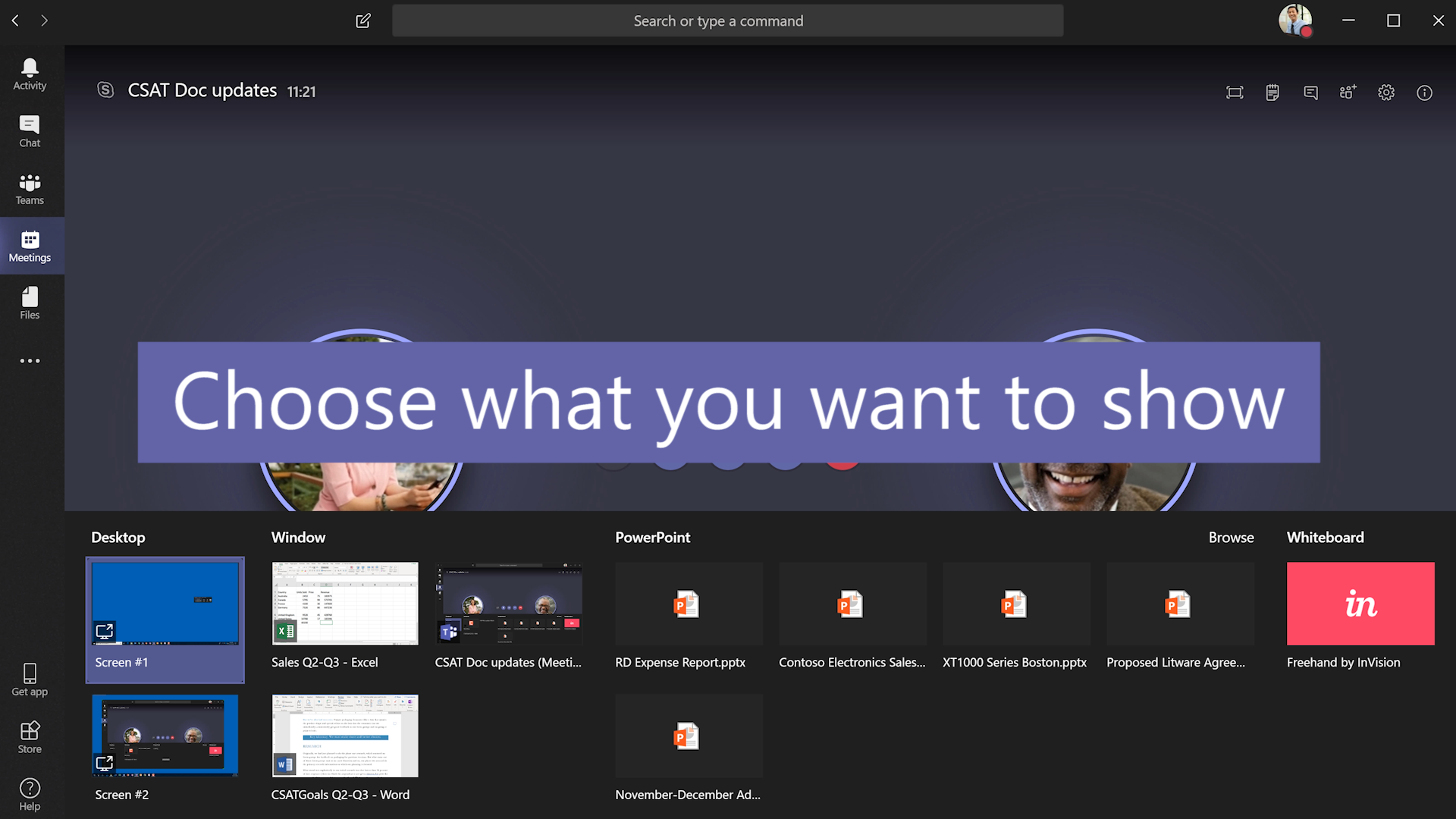
Sapulču vadīšana
1:30
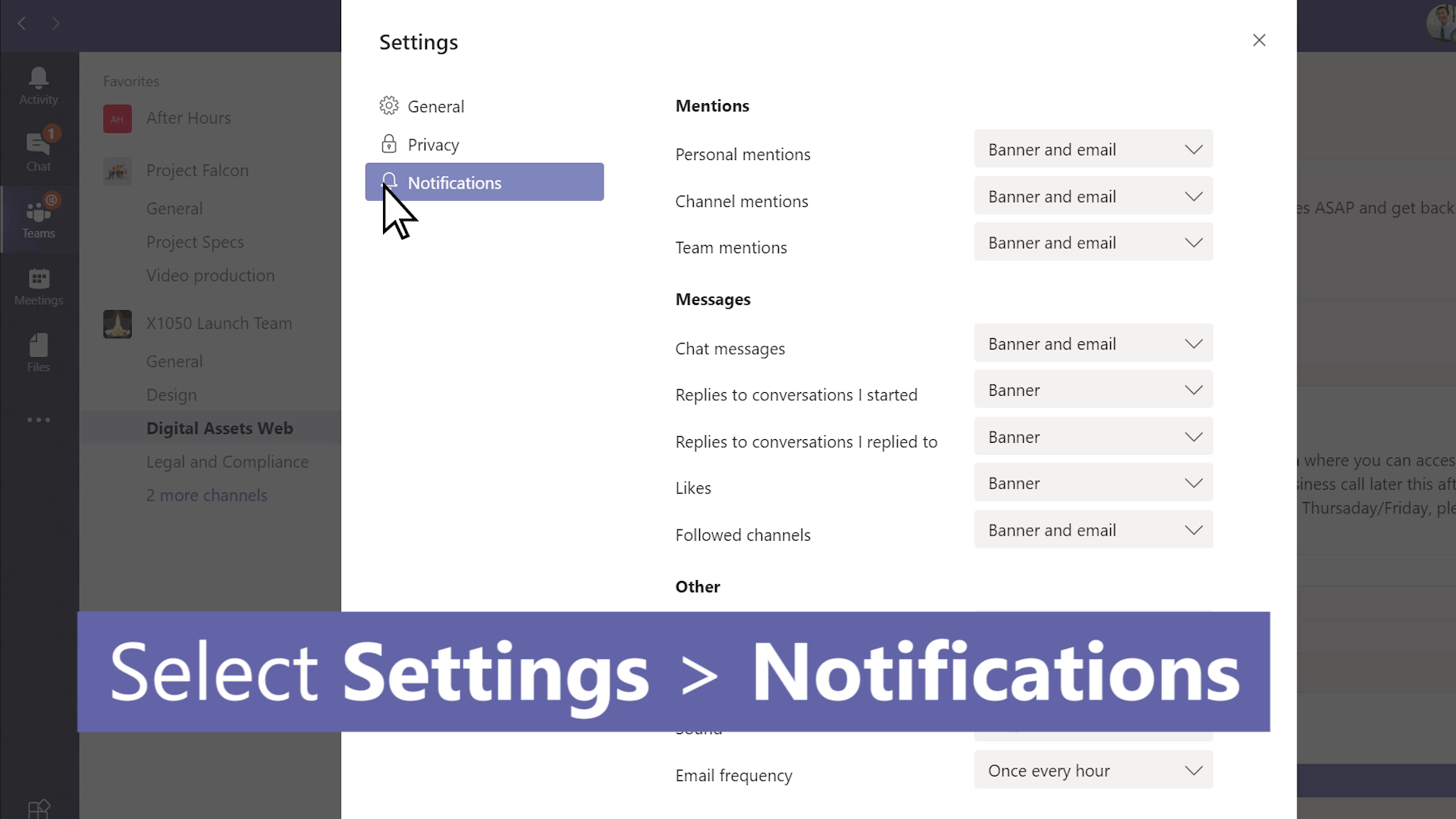
Pievērsiet uzmanību, izmantojot paziņojumus
1:22
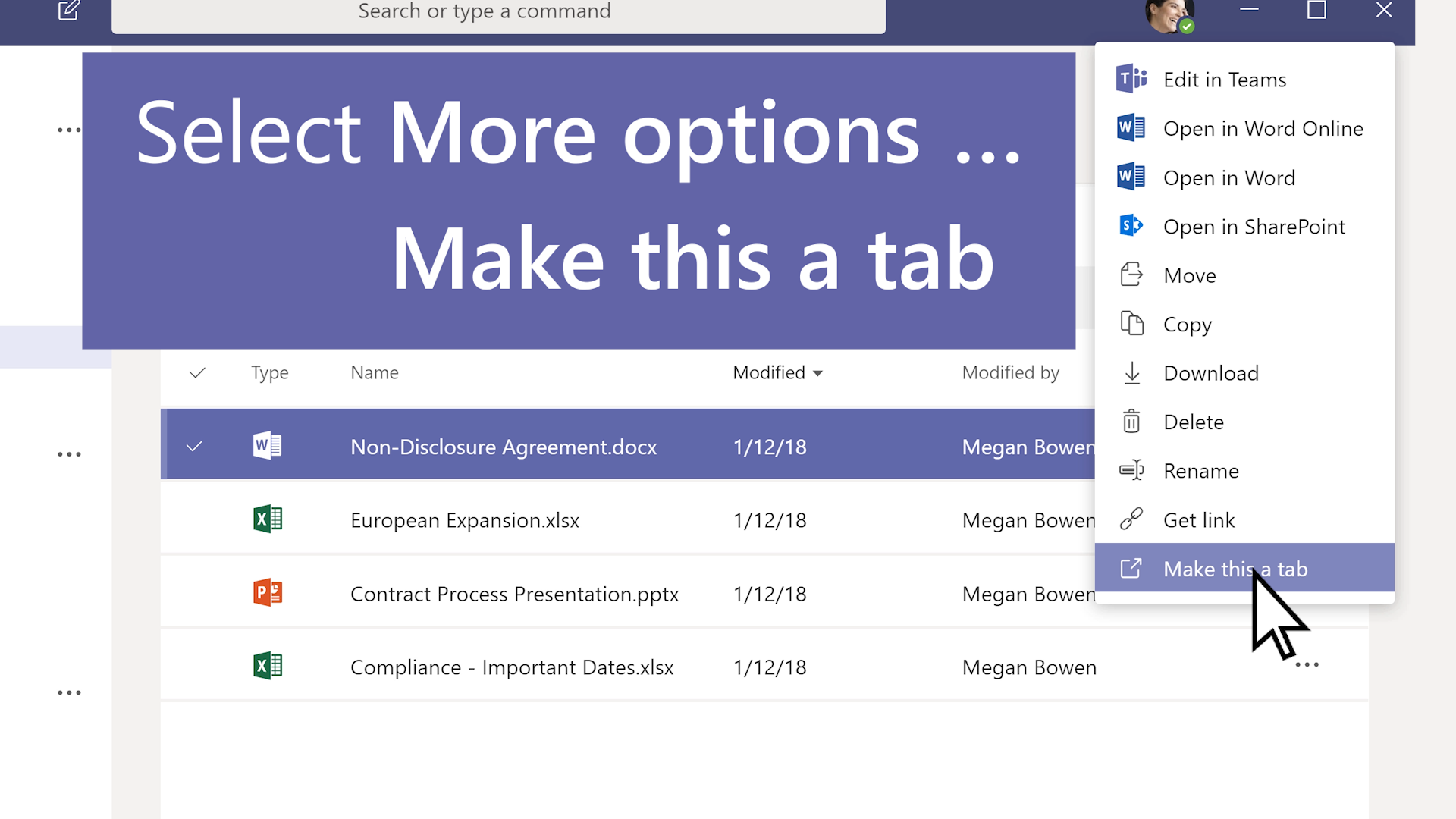
Koplietošana un sadarbība, izmantojot Files
1:12
Klases piezīmju grāmatiņas izmantošana kopā ar Teams
2:58
Uzdevumi un vērtēšana
Uzdevumu izveide, izsekošana un pārskatīšana klases grupās
1:00
6 padomi piešķiršanai un vērtēšanai
1:57
Ātrā uzdevumu novērtēšana
1:32
Paveiciet vairāk
Personalizējiet savu Teams ar programmām
00:54
Grupas piezīmju un resursu organizēšana, izmantojot programmu OneNote
00:51
Labāki kopā: izglītības iestāžu partneru pievienošana grupas vietnēm
00:49
Tīrskata lasītāja izmantošana uzdevumos
1:24
Microsoft Forms integrēšana savā komandā
1:04
Ziņojumu nosūtīšana un publicēšana
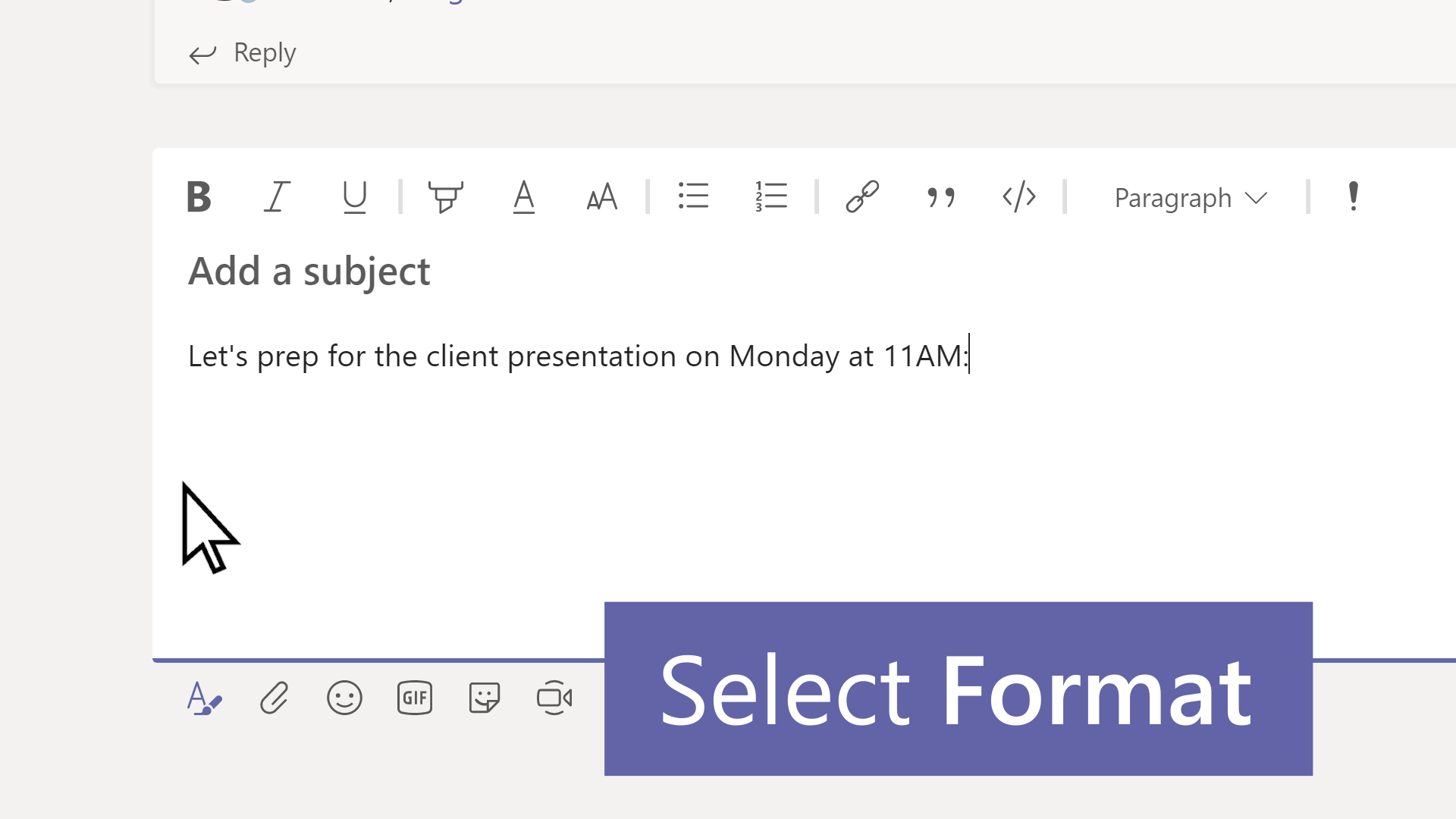

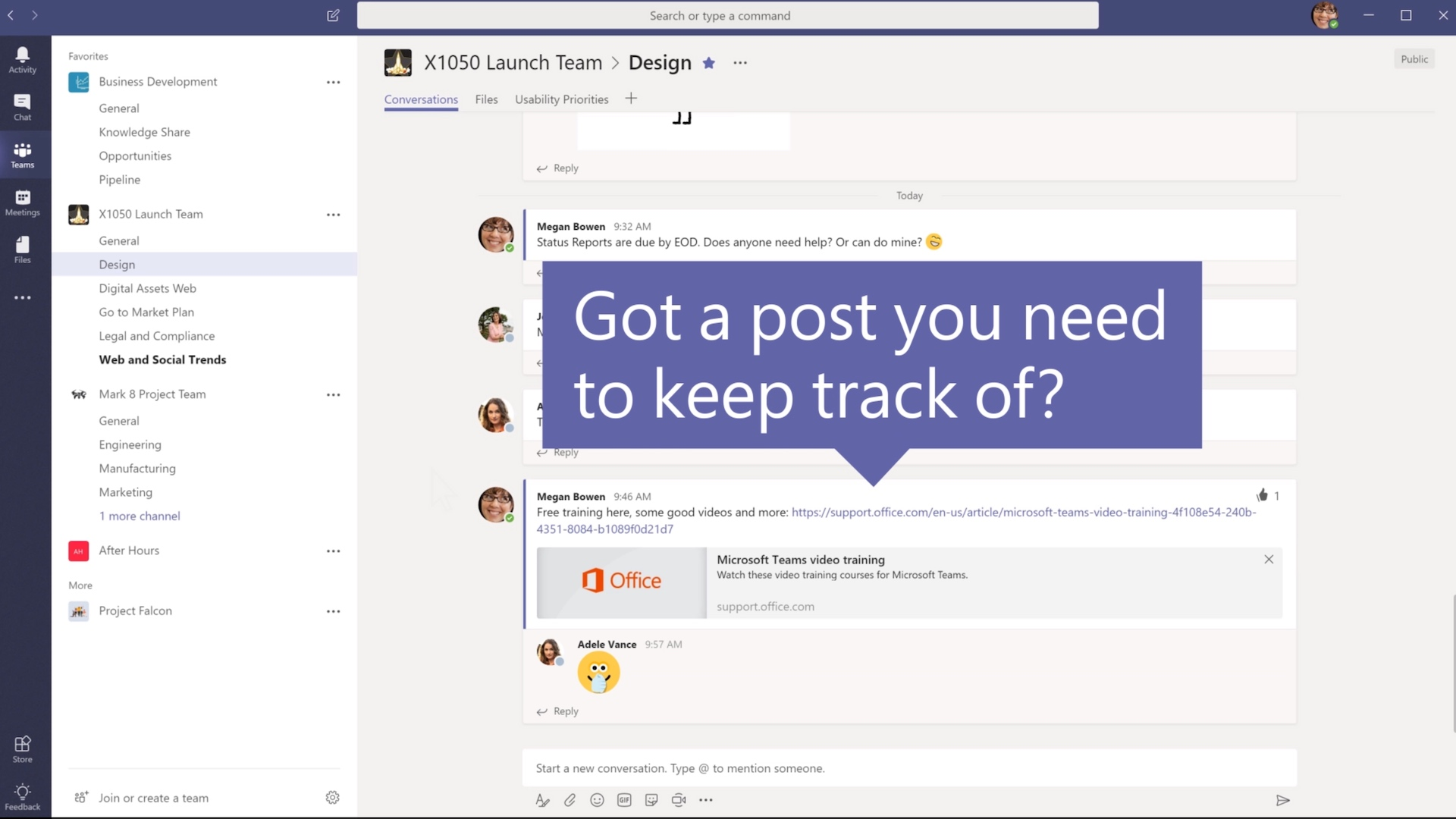 Ziņojuma saglabāšana
0:59
Sadarbojieties darba grupās un kanālos
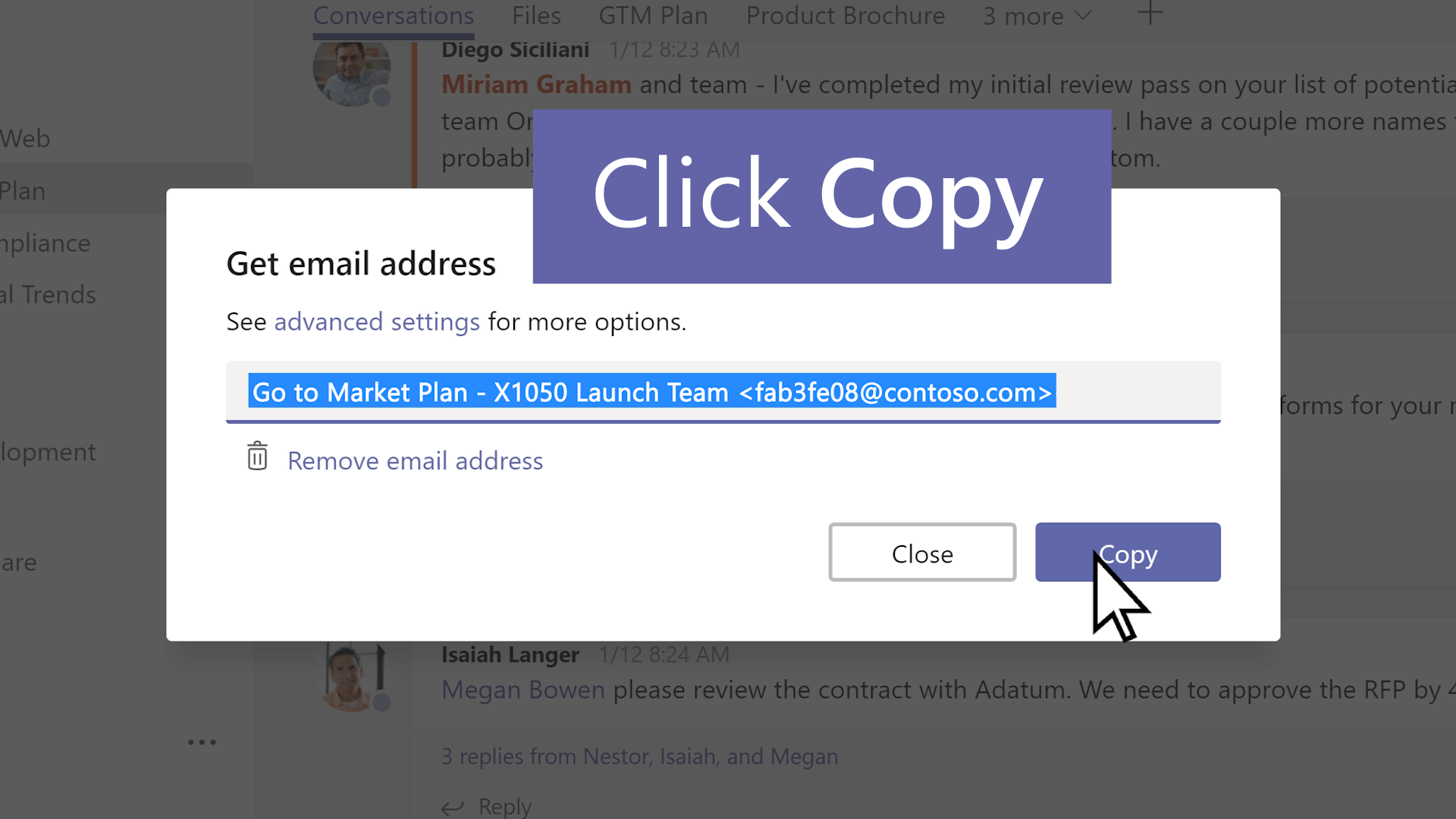


Sāciet tērzēt, veiciet zvanus, rīkojiet sapulces


 Sapulču pārvaldība
2:03