
If you're comparing password-protected versions of Access databases, you don't have to type the password every time a file opens. Instead, you can have Microsoft Database Compare store passwords on your computer.
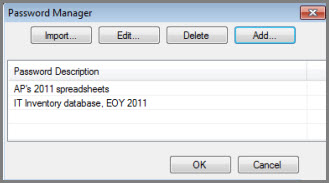
Select Passwords. The Password Manager dialog box opens.
Select Add.
Enter and confirm your password. Add a description if you want.
If you have many file passwords, you can create and import a text file that contains your passwords.