

When you create a new team in Microsoft Teams for Education, you’ll be asked to select from one of four team types. Learn below about how each team type meets different educating and learning goals.
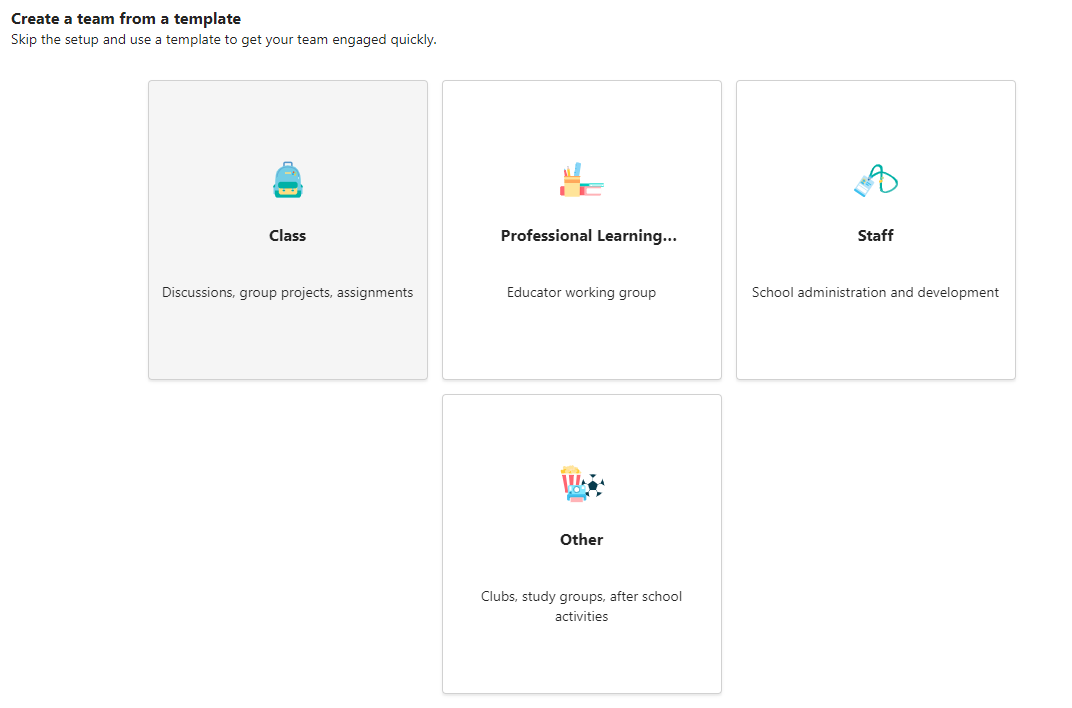
| Class | Professional Learning Community (PLC) | Staff | Other | |
|---|---|---|---|---|
| Description | Educators and students collaborating on group projects, assignments, and more. | Educators collaborating within a professional learning community. Examples: academic department, grade band, or group working on a shared goal. | Staff leaders and staff members collaborating on school administration and development. | Students and school employees collaborating in interest groups and clubs. |
| Team owners & team members | Educators are team owners and add students as team members. | Educators form the team and other educators join the team. | Staff leaders are team owners and add staff members as team members. | Any combination of students and school staff can form a team and add members. |
| Permissions | Educators moderate student conversations and posts. Students only have writing permissions in certain areas. | Educators share equal reading-writing permissions. | Staff leaders control posting settings. Staff members only have writing permissions in certain areas. | Team members share equal reading-writing permissions unless the team owner(s) alter the settings. |
| Features | Class Notebook Assignments Conversations Files Video and audio calls Chat (if enabled) Pinning new tabs with documents or sites like Microsoft Forms |
OneNote notebook Conversations Files Meetings Video and audio calls Chat (if enabled) Pinning new tabs with documents or sites |
Staff Notebook Conversations Files Meetings Video and audio calls Chat (if enabled) Pinning new tabs with documents or sites |
OneNote notebook Conversations Files Meetings Video and audio calls Chat (if enabled) Pinning new tabs with documents or sites |
| Educational goals | Assign, track, and review student work Export grades Collaborate and communicate in the classroom Make announcements Administer quizzes and polls Work in student groups Share and organize rich content Invite virtual experts into the classroom |
Collaborate in professional learning communities Communicate Make announcements Share work Organize virtual or face-to-face meetings Work in smaller groups Share and organize content |
Oversee professional development, staff, and administrative goals Communicate Make announcements Share content and progress reports Work in smaller groups Organize virtual or face-to-face meetings |
Collaborate and communicate with team members Make announcements Share content Organize virtual or face-to-face meetings Work in smaller groups |
Learn more
Best practices for school leaders creating teams and channels