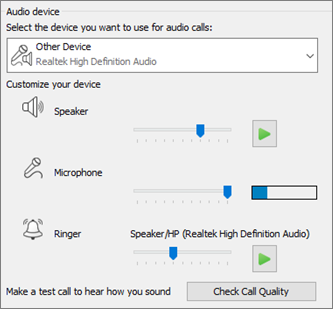
Set up your audio device
- From Show Menu
 , select:
Tools > Audio Device Settings. - Below Audio device, select the device you want and customize the settings:
- Speaker - Select Play
 , and drag the slider to adjust the volume.
 - Microphone - Speak to test the volume, and drag the slider until the progress bar reaches the middle of the test area.
- Ringer - Select Play
, and drag the slider to adjust the volume.
- Adjust the audio settings and select OK.
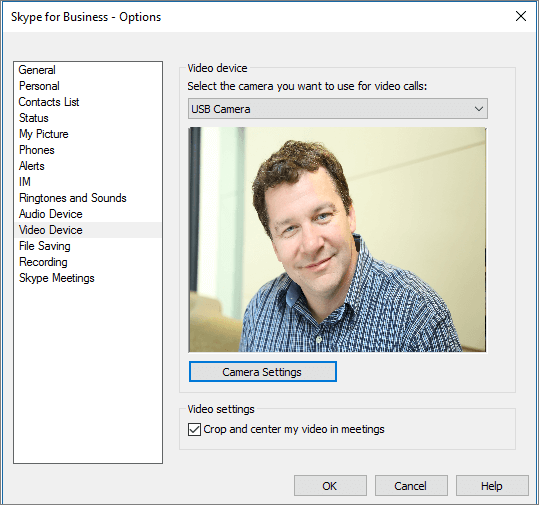
Set up your video device
- From Show Menu
, select:
Tools > Video Device Settings. - Below Video device, select the camera you want.
- Adjust the camera angle to center your image in the preview pane.
- Select Camera Settings if you want to adjust the video processor or camera controls.
- Select Crop and center my video in meetings to focus and zoom in on your face during video conferences.
- Select OK.