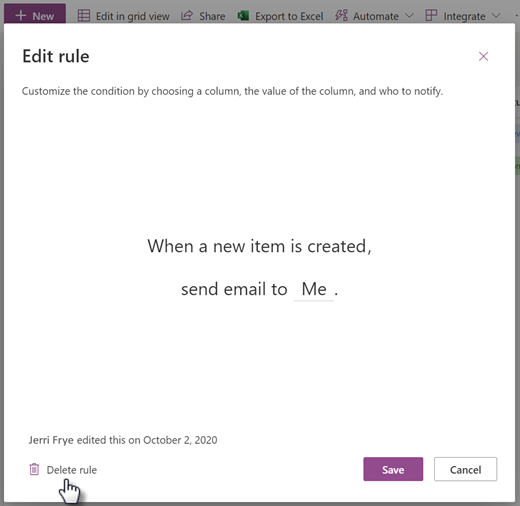
When you no longer need a rule, you can either turn it off or delete it from the Manage rules page.
- Starting from the list or library you want to delete a rule from, select Integrate and then Rules.
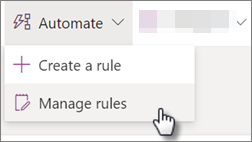
- To turn off the rule, select the On slider to turn it off.

- To delete the rule, select the rule and then at the bottom of the Edit rule page, select Delete rule.