
Change between real and complex numbers mode in Math Assistant settings or adjust the expression of angles.
Note
This feature is only available if you have a Microsoft 365 subscription. If you are a Microsoft 365 subscriber, make sure you have the latest version of Office.
OneNote for the web
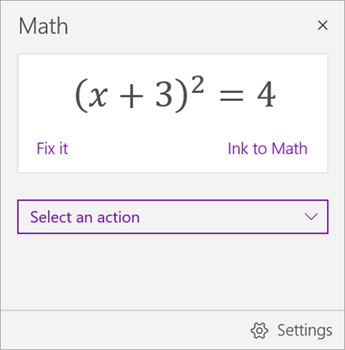
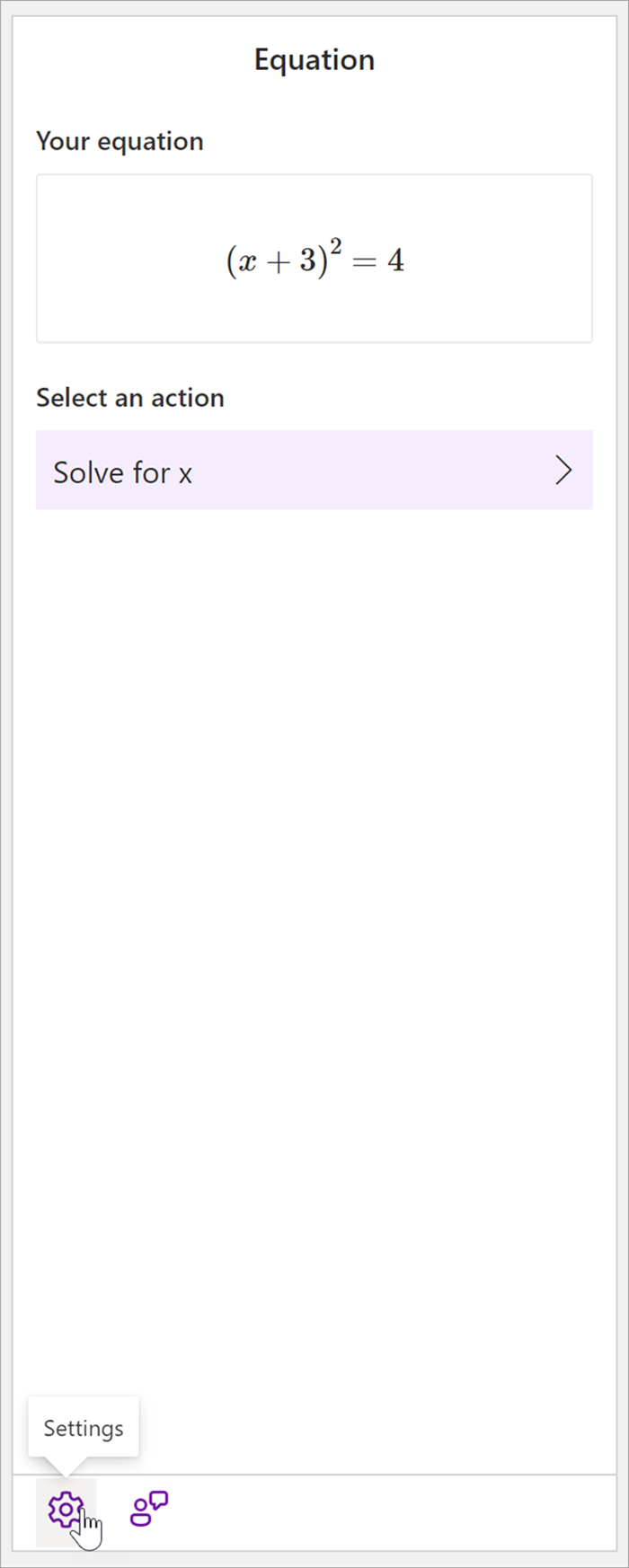
1. First, create your math equation.
2. Then, select Settings.
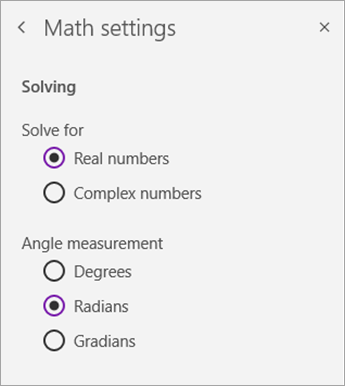
3. Choose number mode or angle measurement type.
Note
If you choose to solve for complex numbers, the only possible angle measurement option will be radians.

See also
Solve math equations with Math Assistant in OneNote
Draw graphs of math functions with Math Assistant in OneNote
Turn Math Assistant on or off in OneNote Class Notebook
Independent learning with math tools in OneNote