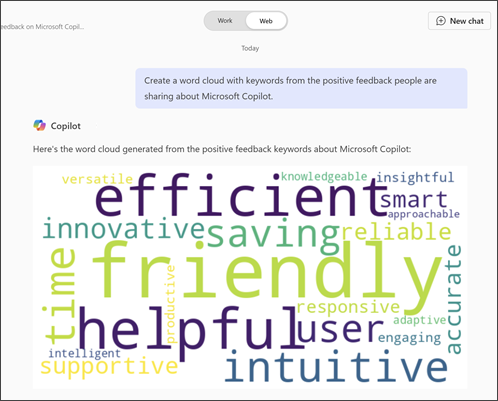
Microsoft Copilot Chat can quickly create a word cloud, giving you instant insight into the most important terms in your data. Visualize your data effortlessly and uncover key themes.
Go to Copilot Chat.
In the Message Copilot prompt box, enter "Create a word cloud of [insert idea]"
- If Work IQ is on, type / and start typing the name of the person, file, meeting, or email you wish to work with. The work references menu provides suggestions based on their relevance to you.
- If Work IQ is off, find the file you want using Add and manage sources > Add work content.
Select the file you want to use, then select the Send arrow, and Copilot generates the word cloud you requested.