

If you no longer wish to use your Microsoft SwiftKey Account, or would like to change the account associated with your Microsoft SwiftKey Account, then you can do so by following these steps:
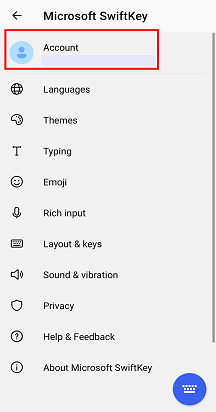
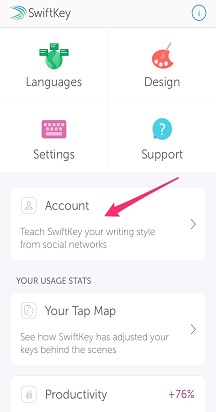
Open the Microsoft SwiftKey app from your device.
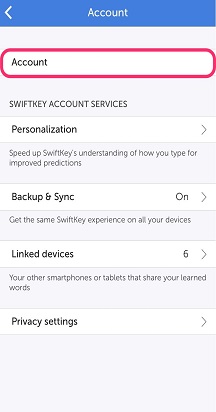
Tap ‘Account’.
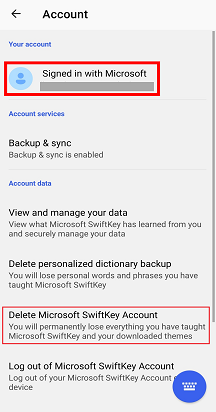
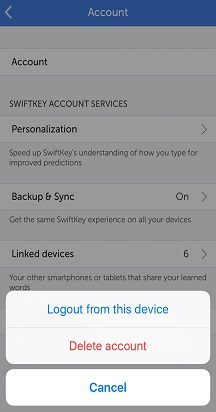
In the bottom section tap ‘Delete Microsoft SwiftKey Account’.
Tap the ‘Delete’ option in the dialog box.
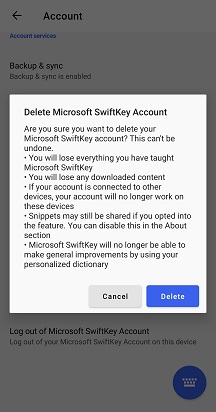
Please note that this will unregister all of your connected devices, and also delete your backed-up data from your Microsoft SwiftKey Account.
Contact Us
For more help, Contact Support at Microsoft SwiftKey Support - Contact us