
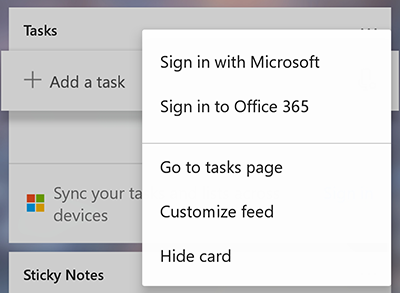
| To use Microsoft To Do with Launcher, just log in to the Tasks card using the same Microsoft 365 or Microsoft Account that you use with To Do. |
|
|---|---|
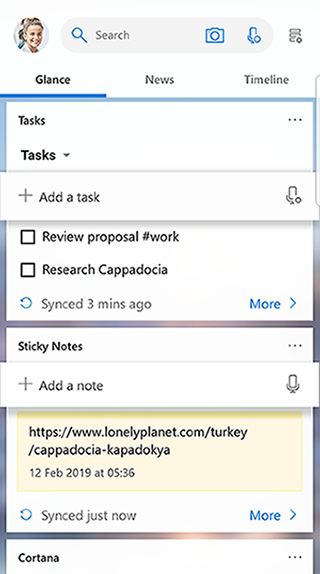
| You can then create, view, complete and edit your tasks directly in your Launcher Feed or pin your Tasks card to its own screen. |
|
Using Microsoft To Do with Microsoft Launcher
Applies To
Microsoft To Do