
There may be times when you want to revise a Text you created in Dragon Copilot.
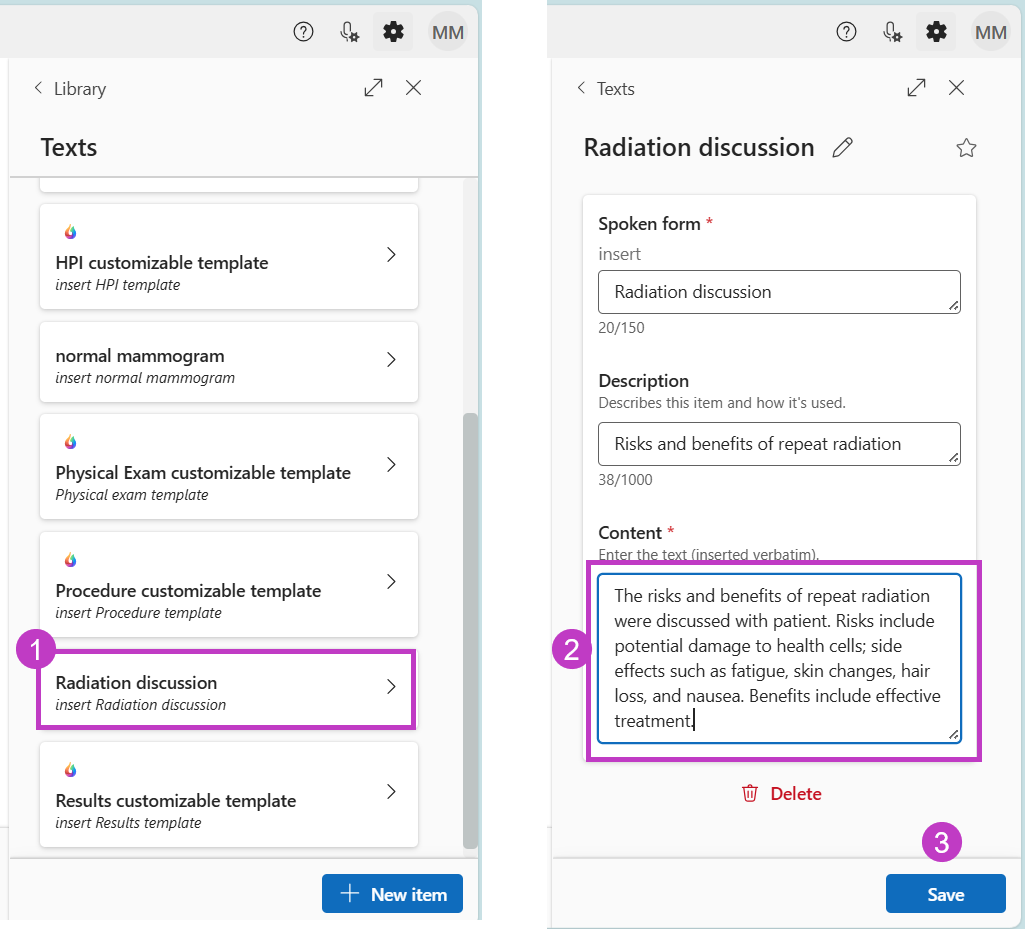
Follow these steps to make changes to a Text:
- Go to the Library
 > Texts, then select the Text you wish to edit.
 - Revise your Text as needed.
- Select Save.
There may be times when you want to revise a Text you created in Dragon Copilot.
Follow these steps to make changes to a Text:
> Texts, then select the Text you wish to edit.