
To add the current date at the time of printing to the bottom of every printed page, insert the date in the worksheet footer. Similarly, you can also insert the date or time into a header or footer.
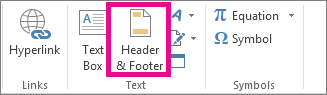
Select Insert > Header & Footer.
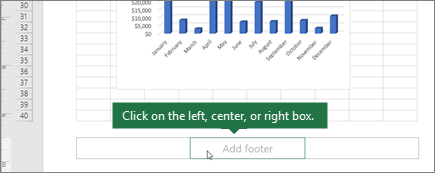
Scroll down to the bottom of the worksheet.
Select the left, center, or right footer box at the bottom of the worksheet.
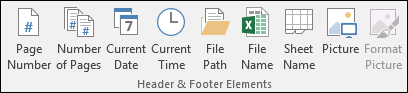
Select Header & Footer Elements > Current Date.
To exit the footer view, select anywhere in the worksheet, and then select View > Normal.
Where is the footer in my workbook?
Select View > Page Layout. Footers show up only in Page Layout view, Print Preview, and on printed pages.
Need more help?
You can always ask an expert in the Excel Tech Community or get support in Communities.