
Having trouble creating a Project Online project from Project Home? Here's how to find your familiar tools.
Go to Project Home.
At the bottom of the page, choose Go to Project Web App.
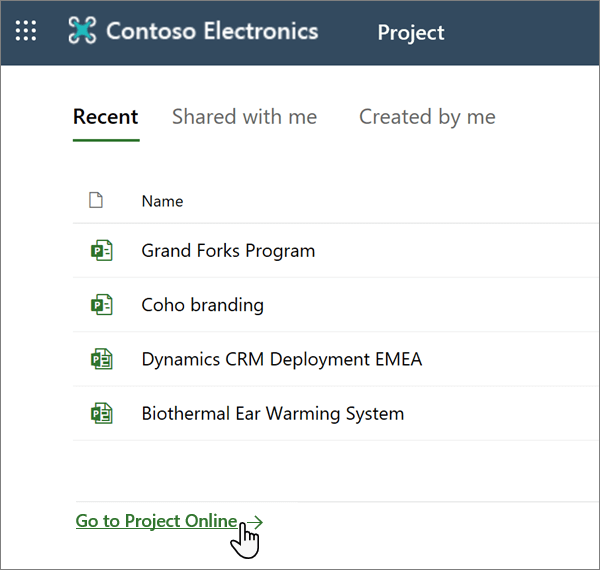
Create a Project Online project as usual.
Note
The home page is being updated to emphasize Project for the web, and these changes are being rolled out gradually. If you do not see the Go to Project Online link at the bottom of the home page, check the Settings pane, which can be accessed from the Microsoft 365 Navigation bar.
If you are still unable to locate the link in either of these places, it is possible that the default PWA site has not been shared with you. To fix this, take either of the following actions:
- Get the owner to share the site with you.
- Change your default PWA site to one that you have access to.