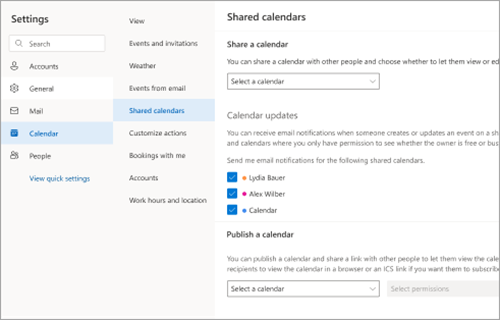
Saate valida, kas soovite saada meiliteatisi, kui keegi värskendab sündmust teie jaoks ühiskasutusse antud kalendris.
Kalendrivärskenduste vastuvõtmine
- Valige uues Outlookis, Outlooki veebirakendus või Outlook.com Kuva>vaatesätted>Calendar>Jagatud kalendrid.
- Kui teil on mitu kontot, valige jaotises Ühiskalendrid konto, mille kohta soovite teatisi saada.
- Valige jaotises Calendar värskendused ühiskalendrid, mille kohta soovite meiliteatisi saada.